※Auto Reconnection
When device Bluetooth is on and Game controller is off
3. Android mode only
※TURBO Function Introduction
※Package Content:
Setting Method
Press B + HOME button simultaneously for 2 seconds to start the Game controller. The difference of this start is the mouse
light does not flash after connection, no Mouse Simulation Mode.
TURBO is semi-automatic, it creates one or more continuous button press.
Press one or more buttons, ( excluding D-pad, joysticks, SELECT, START button ), and then press the " TURBO " button, to
set TURBO function.
Function
TURBO is used more in shooting games. Your fingers would easily get tired if you continuously press the same button
(shooting button). With the TURBO, you can continuously shoot by holding the shooting button.
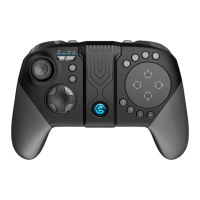
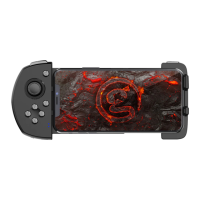
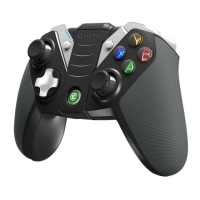
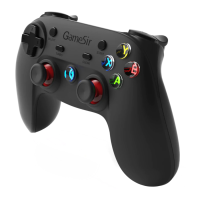
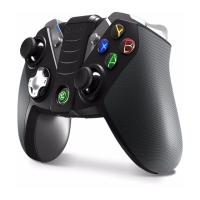
1* GameSir Gamepad
1* USB Charging Cable
1* User Manual
Clear TURBO
Press one or more buttons, and then click the " CLEAR " button to clear the TURBO.
Press HOME button for 2 seconds to start Game controller, the Game controller will be reconnected to the device
automatically.
When device Bluetooth is off and Game controller is off
Notes:
Turn on the Bluetooth on device, Press HOME button for 2 seconds to start the Game controller, the Game controller will be
reconnected to the device automatically.
If you want to connect Game controller with other device, please pair before using.
When device Bluetooth is off and Game controller is on
Turn on the Bluetooth on device, the Game controller will be reconnected automatically.
7 8


 To Next Page