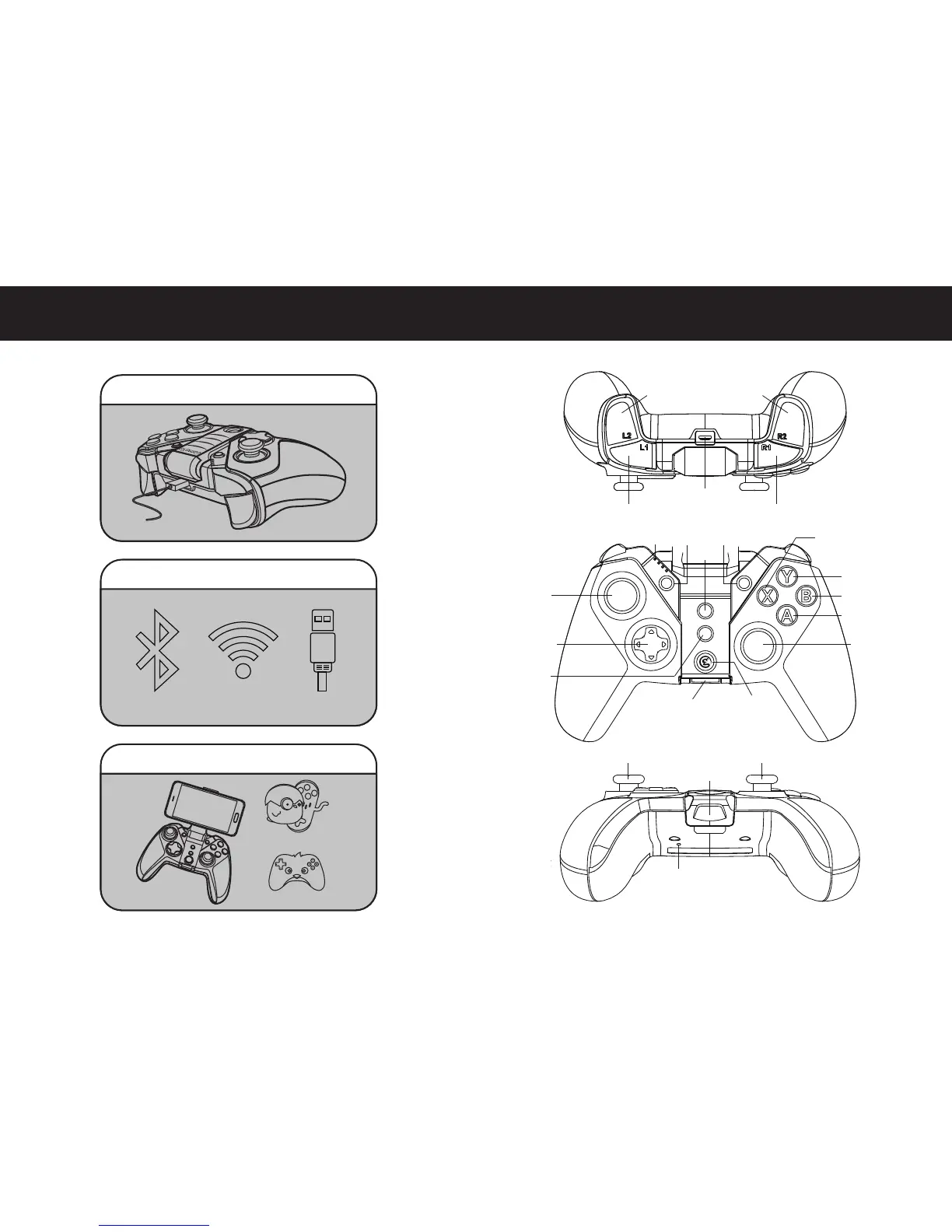
3.Download G4s supported games :
1.Check and charge your controller :
2.Connecting the controller to your devices :
Bluetooth 4.0 Wired2.4Ghz USB Dongle
Happy Chick
GameSir World
L2 Button R2 Button
Charging Port
L1 Button R1 Button
Phone Holder
RESET
Power indicator SELECT START
L3
Left Joystick
L3 Left Joystick
2.4Ghz USB Dongle
( Pull out )
HOME Button
R3
Right Joystick
R3 Right Joystick
D-Pad
TURBO
CLEAR
X Button
Y Button
A Button
B Button
SELECT STA RT
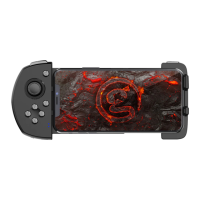
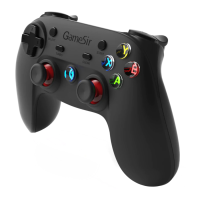
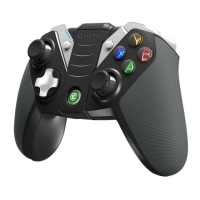
QUICK REVIEW GUIDE FOR USER MANUAL PRODUCT OVERVIEW


 To Next Page