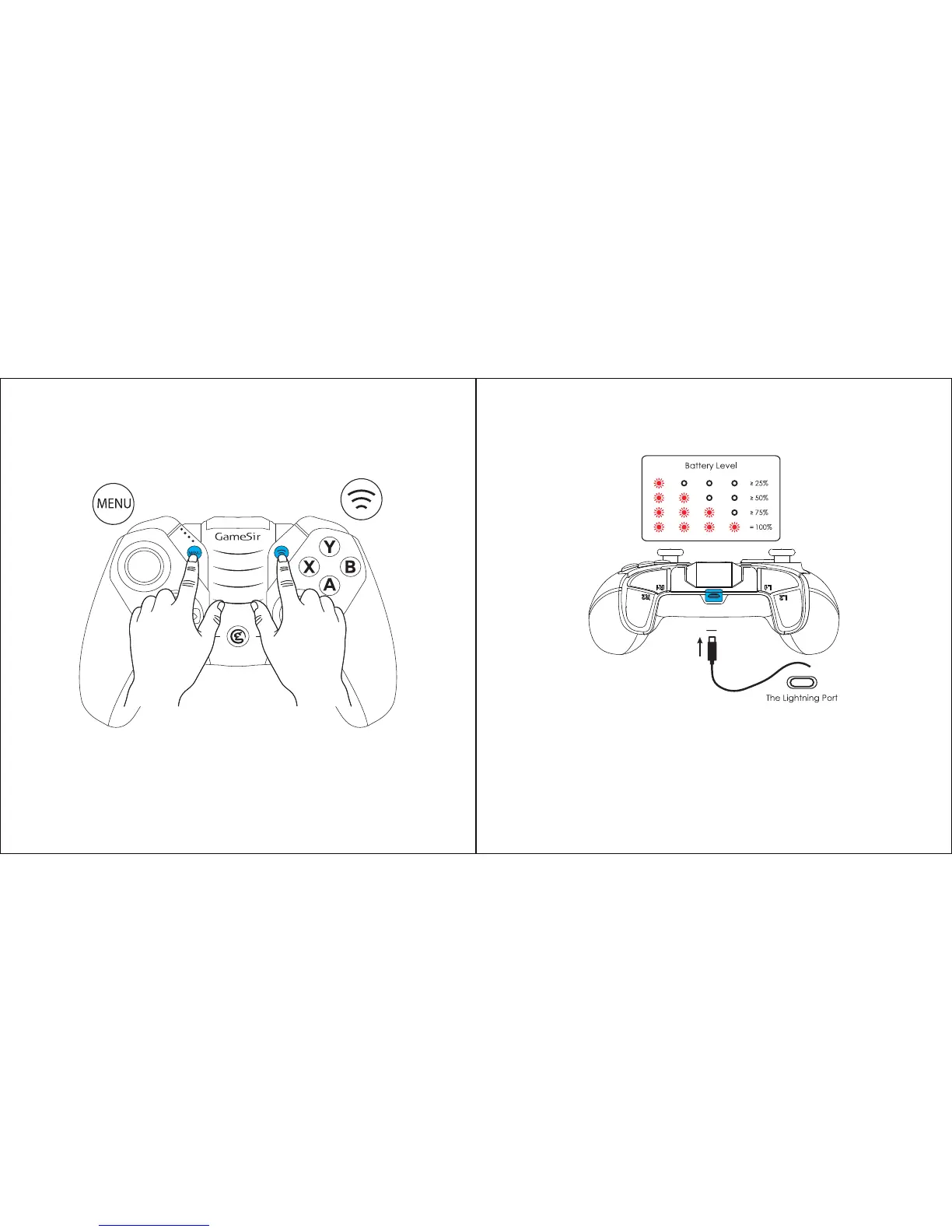
a. Press and hold the MENU button and pairing button simultaneously for 5 seconds
to enter reset mode.
b. If the indicator lights flash quickly, you can pair GameSir M2 again via Bluetooth.
RESET
a. If the battery level is lower than 10%, the indicator lights will flash for 10 seconds
when GameSir M2 is turned on.
b. If the battery level is lower than 5%, GameSir M2 will be automatically turned off
for battery protection.
c. When GameSir M2 is being charged, the indicator lights will flash circularly.
d. When GameSir M2 is fully charged, the indicator lights will stay on.
BATTERY STATE


 To Next Page