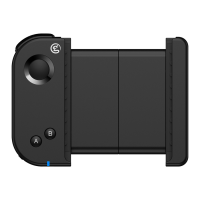
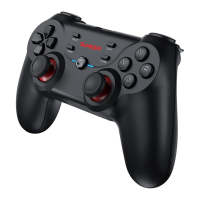
5
Power On: Press and hold the HOME button for 2 seconds to power on.
Power Off: Press and hold the HOME button for 5 seconds to power off.
Pairing mode: According to the gamepad mode you want to apply, select a button-
combination to power on to enter the corresponding mode, which is to enter the pairing
mode.
Reconnect: The game controller will remember the last pairing record. The next time
you turn on, you don’t need the button-combination. Just press and hold the HOME
button and power on will automatically reconnect to the last paired device.
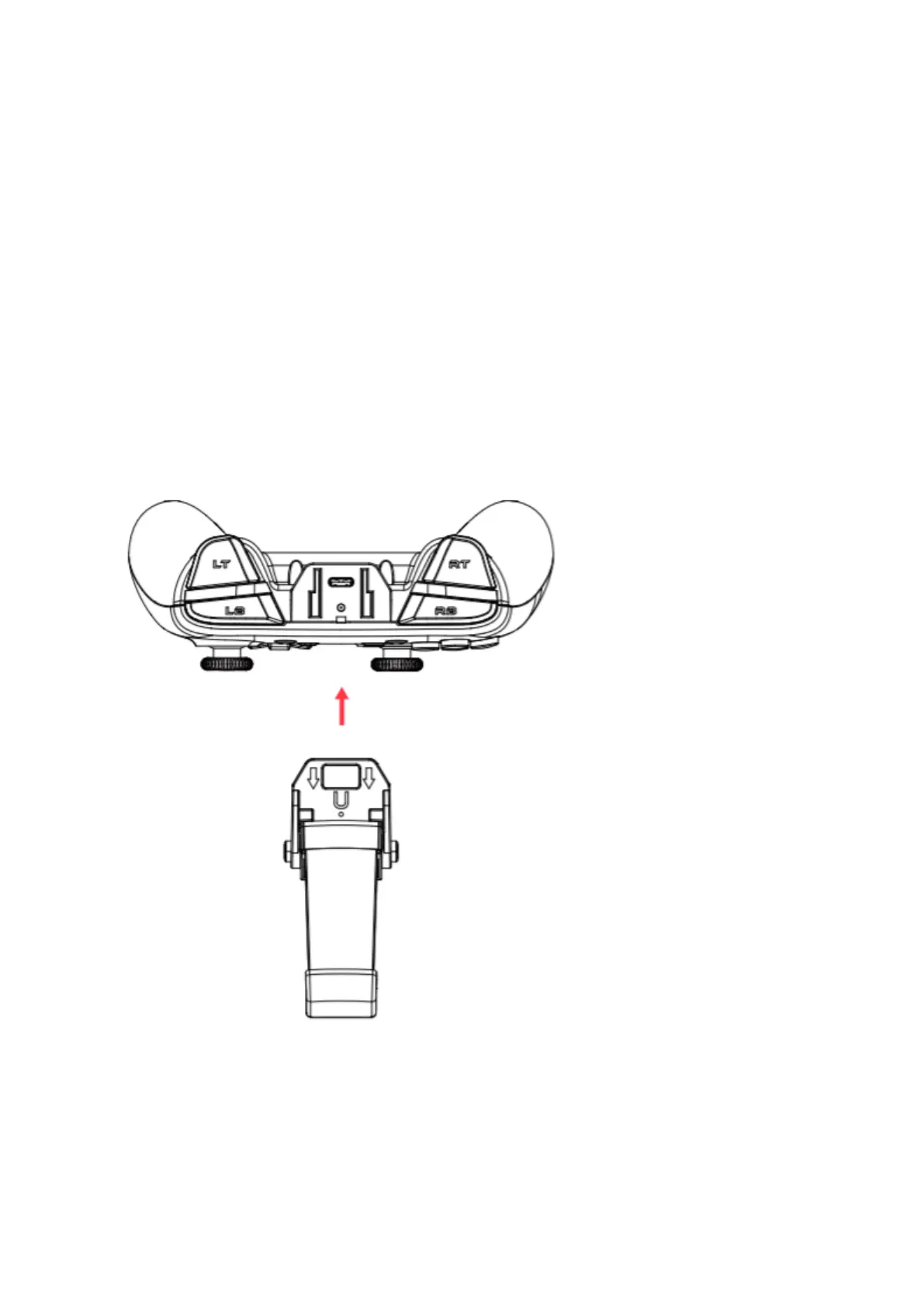
HOW TO USE THE PHONE HOLDER
Please insert the phone holder from the top gamepad



 To Next Page