3
section 2: quick start guide
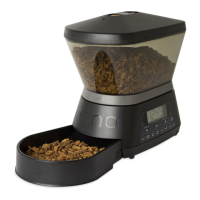
assemble the feeder
See page 2 for details.
set the clock
1) Press “CLOCK” button to manually set time
a) The CLOCK LED will illuminate (Feeder is pre-programmed to 12-hour clock mode)
2) Select AM/PM
a) Press UP arrow to select AM
b) Press DOWN arrow to select PM
c) Press ENTER to confirm
3) Select HOURS
a) Press UP or DOWN arrow to adjust hours
b) Press ENTER to confirm
4) Select MINUTES
a) Press UP or DOWN arrow to adjust minutes
b) Press ENTER to confirm and complete CLOCK programming
choose a preset meal option
1) Press “PRESET MEALS” button
a) The PRESET MEALS LED will illuminate
b) Press UP or DOWN arrow to select a Preset Meal option from the list below (P1-P6)
c) Press ENTER to confirm
*Conversion to Cups is an estimate using the average measurements of 10 of the top selling cat and dog foods.
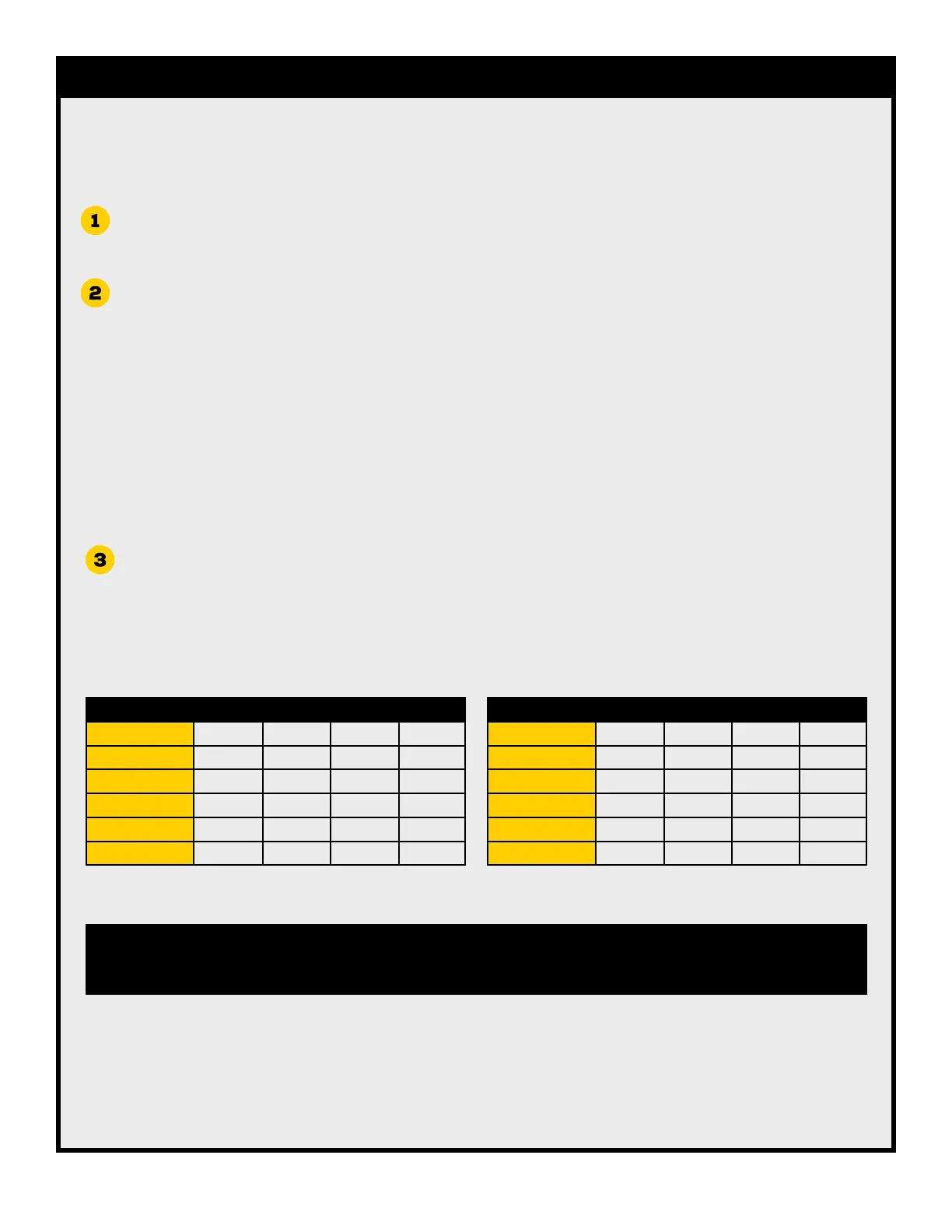
1 2 3 4
P1 - 3 to 12 LB PET 6:00 AM 6:00 PM
P2 - 3 to 12 LB PET 6:00 AM 12:00 PM 6:00 PM
P3 - 13 to 20 LB PET 12:00 PM
P4 - 13 to 20 LB PET 6:00 AM 6:00 PM
P5- 21 to 35 LB PET 6:00 AM 6:00 PM
P6- 21 to 35 LB PET 6:00 AM 11:00 AM 5:00 PM 10:00 PM
PRESET MEAL TIMES
The QUICK START GUIDE is the fastest way to program the NANO Automated Pet Feeder.
Once complete, no further programming or setup is required.
MEALS/DAY OZ/MEAL G/MEAL CUPS/MEAL*
P1 - 3 to 12 LB PET 2 1.0 OZ 28 G 1/4
P2 - 3 to 12 LB PET 3 1.0 OZ 28 G 1/4
P3 - 13 to 20 LB PET 1 4.0 OZ 112 G 1
P4 - 13 to 20 LB PET 2 2.0 OZ 56 G 1/2
P5- 21 to 35 LB PET 2 4.0 OZ 112 G 1
P6- 21 to 35 LB PET 4 2.0 OZ 56 G 1/2
PRESET MEALS CHART
Once a PRESET MEAL option is chosen, QUICK START setup is complete. No further programming or setup is required.
Custom MEAL TIME and MEAL SIZE settings can be done by going to the CUSTOM MEAL PROGRAMMING steps (page 4).


 To Next Page
 Loading...