12
D 3i
Functions
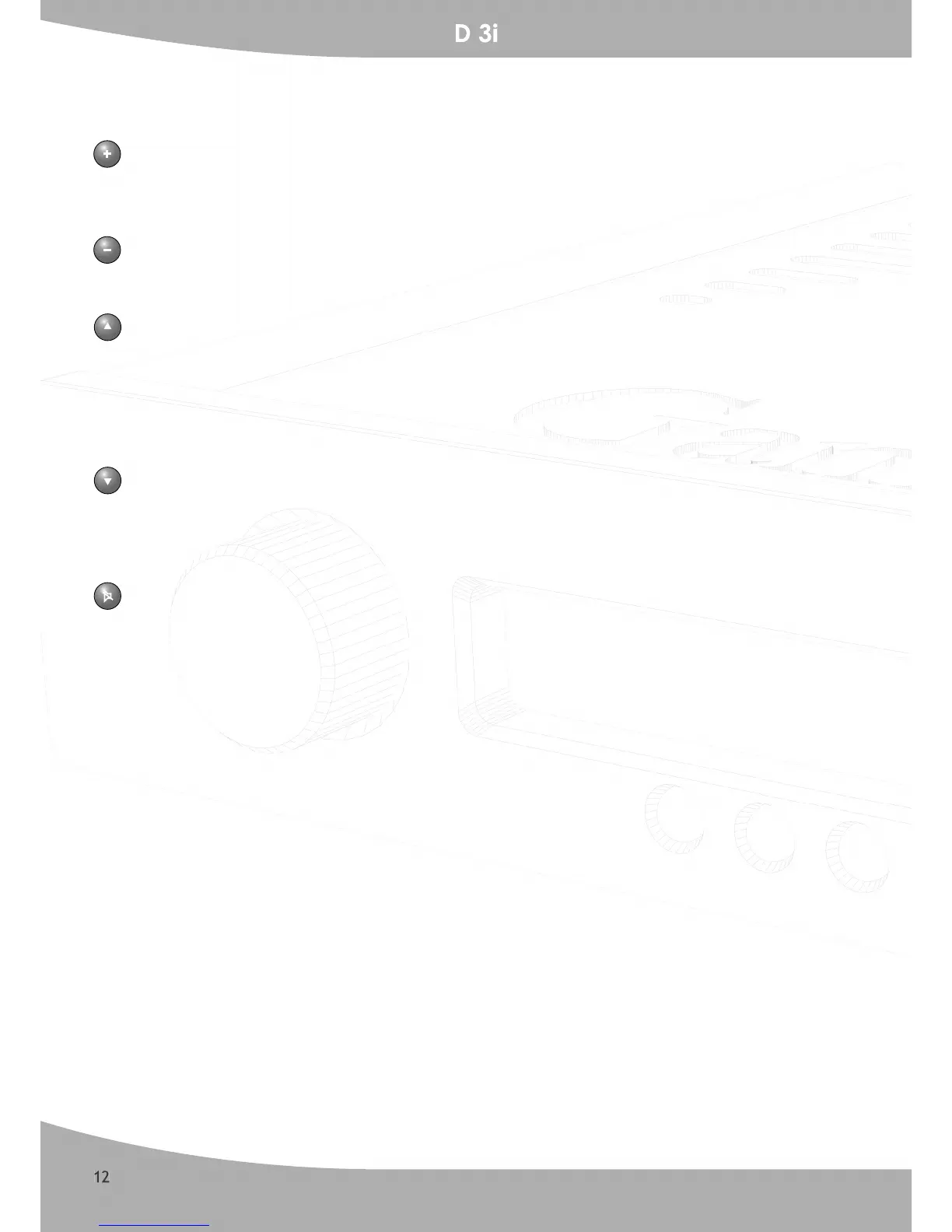
Volume up
By pushing this button the volume control knob will turn and the little dot indicator will rotate
clockwise. Holding the button down will eventually make the knob turn all around to maximum
level.
Volume Down
This button will do the exact opposite of the volume up button. Push the button down, until a
pleasant level is reached.
Next source toggle
By pressing the arrow up button the next input source will be selected according to the following
order:
- RIAA – Tuner – CD – HTH – Tape -
When it reaches the last source Tape, it will start over again by selecting the RIAA input.
Source toggle previous
The arrow down button will switch the previous input source as follows:
- Tape – HTH – CD – Tuner – RIAA –
When it reaches the last source RIAA, it will start over again by selecting the Tape input.
Mute
To enable Mute, push the mute button once. Push it again and the function is now disabled.


 To Next Page