1.
..
. Use of the Display Panel
A. The display panel shows Time when the machine is off;
B. The display panel shows Temperature of the swimming pool water when
the machine is on.
2.
..
. Water temperature setting
A. Available whether the machine is on or off;
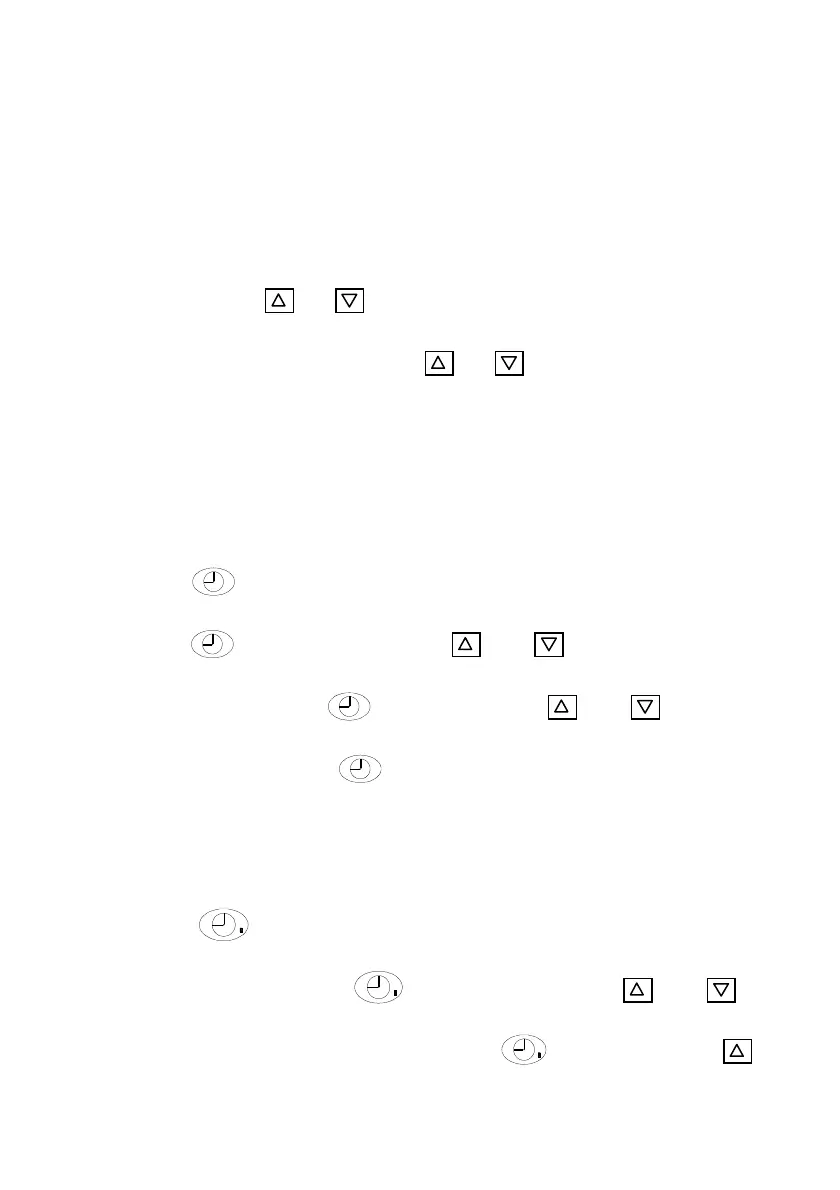
B. Press the key or to set water temperature. The display panel
indicates a flashing Temp. Press or to adjust to your required
water temp.
C. 5 seconds later, the display panels will return to the normal mode.
3.
..
. Time setting
A. Available whether the machine is on or off;
B. Press key to set time. When the clock on the screen is flashing,
press again to set hour. Use and to adjust. Before the
flashing stops, press to set minute Use and to adjust.
After adjusting, press and water temperature will be seen. 30
seconds later, the display panel will be return the normal mode.
4.
..
. Timer on and off
A. Press to set timer on. When the indicator light is on and the
time is flashing, press
again to set hour. Use and to
adjust. Before the flashing stops, press to set minute Use


 To Next Page