12
EN
Set open outlet on
the Water Distributor:
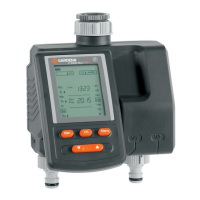
With Water Computer:
Outlet side:
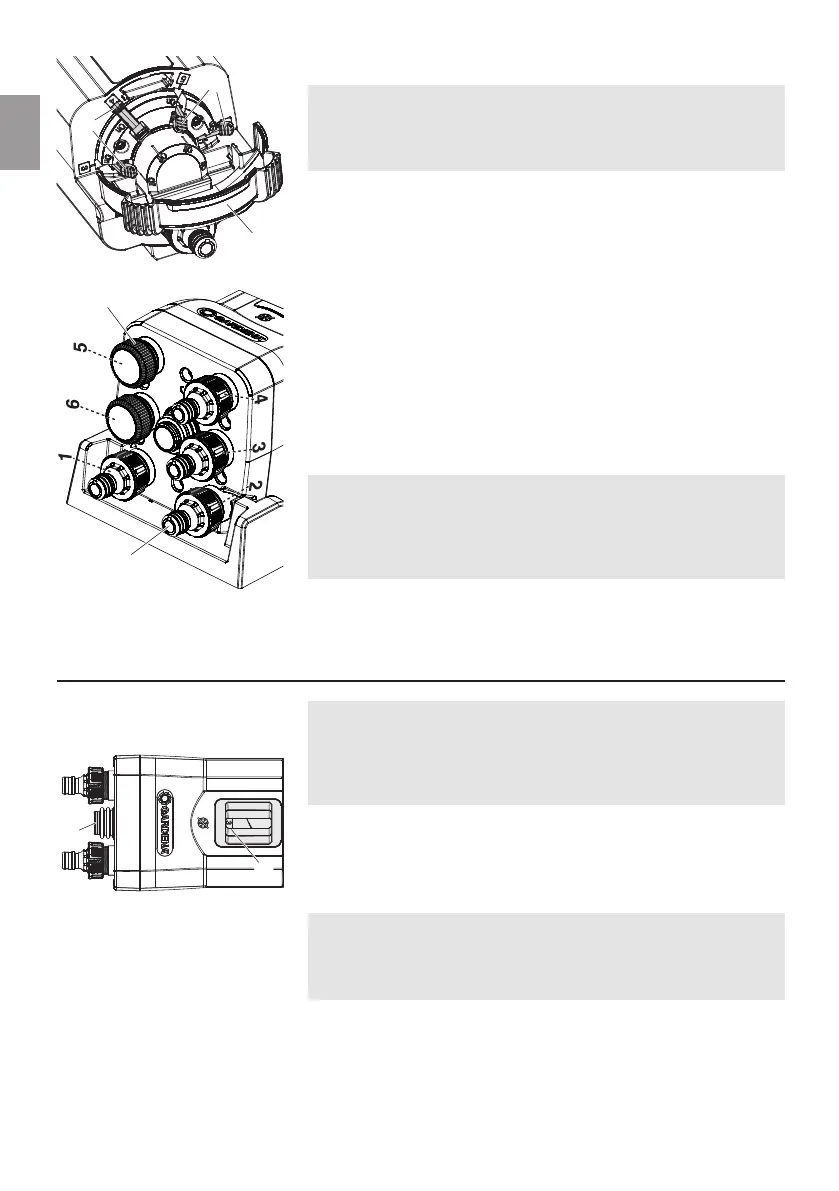
2 to 6 outlets may be used. Outlets 1 and 2 must always be
used. The outlets 3 to 6 can be switched on using the flow
levers
8
. 5 Tap Connectors
3
and 3 end caps
7
are included.
Outlets not being used must be closed with an end cap
7
.
Setting flow lever On / Off:
1. Open protection cover
9
.
2. Set flow levers
8
for used outlets
(e.g. 3 and 4) on On.
3. Set flow levers
8
for not-used outlets
(e.g. 5 and 6) on Off.
4. Close protection cover
9
and lock-in.
Connect used / not-used outlets:
1. Screw Tap Connectors
3
onto the used outlets (e.g. 1 to 4).
2. Close not-used outlets (e.g. 5 and 6) with end caps
7
.
3. Connect used outlets 1 to 4 with the devices.
Important:
The flow levers (On / Off) must match up with the outlets
(used / not-used).
The programme numbers of the Water Computer must match
up with the outlets in use.
5. Operation
Behind the viewing window
0
, the currently open outlet is
shown. If irrigation is to be done (manually) through a different
outlet, or if the open outlet does not match up with the pro-
gramme of the Water Computer, the desired open outlet can be
selected with the dial disc
A
.
v Press dial disc
A
until the desired open outlet (e.g. 3) is
shown in the viewing window
0
.
When using a GARDENA Water Computer Art. 1892, “Menu:
Water Distributor automatic“ should be used. Here, the
5 min. pause between programmes required for secure further
switching is automatically considered.
1. Set the programmes (irrigation times) for the outlets in use.
2. Press dial disc
A
until the open outlet in the viewing window
0
matches the desired programme of the Water Computer.
8
7
8
9
0
A
3



 To Next Page