2. FUNCTION
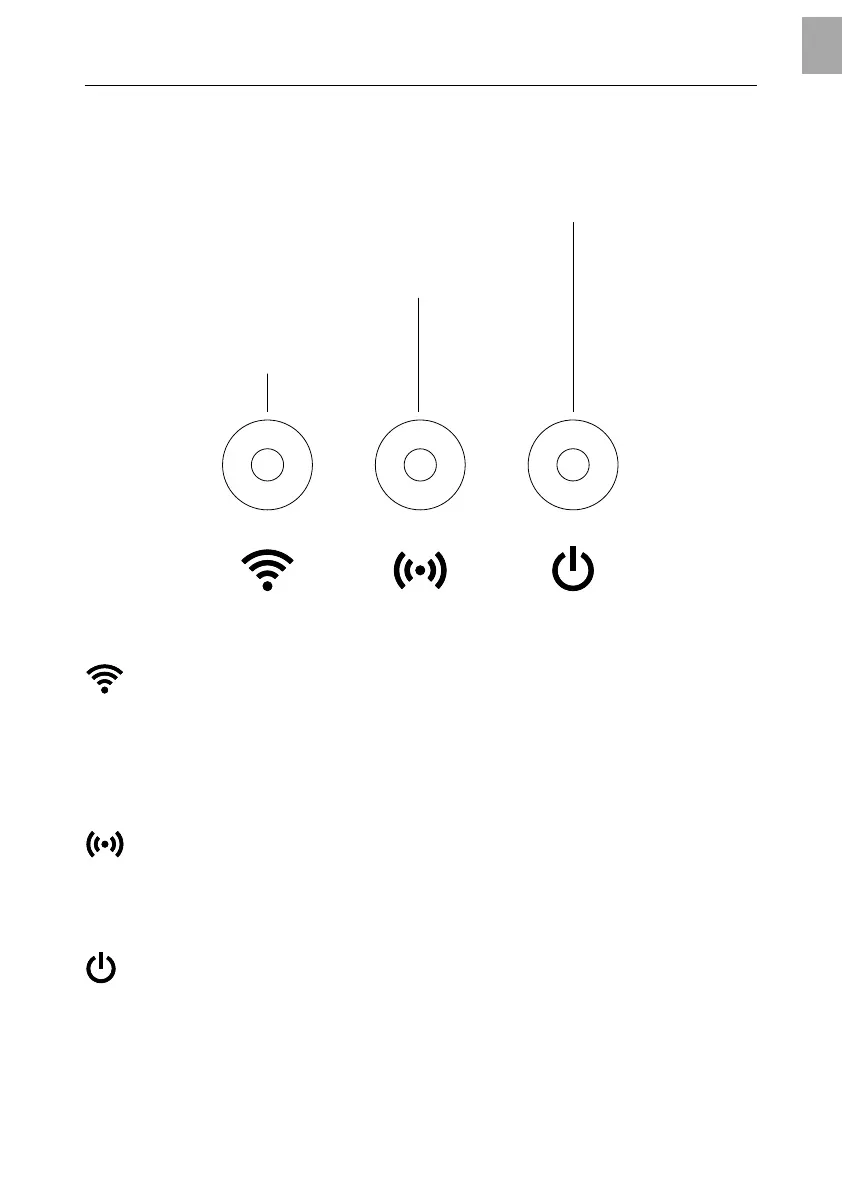
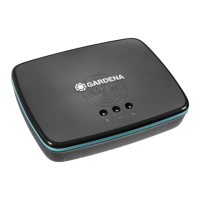
LED-Display:
Power-LED
Connection-LED
Internet-LED
Internet LED:
Green: Connected with router and server
Yellow: Hotspot mode – not connected with router
Red: Not connected
Red flashing: Connected with router; not connected with server
Connection LED:
Green flashing: Receiving data
Yellow flashing: Sending data
Power LED:
Green: Power On
Green flashing: Booting
Yellow: 1. Factory reset running
2. Error (restart required)
Yellow flashing: Software update
Red: Fatal error (restart required)
5
EN


 To Next Page