EasyManua.ls Logo

Garmin EDGE 500 - User Manual

Garmin EDGE 500
64 pages
Print Icon
To Next Page IconTo Next Page
Loading...
EDGE
®
500
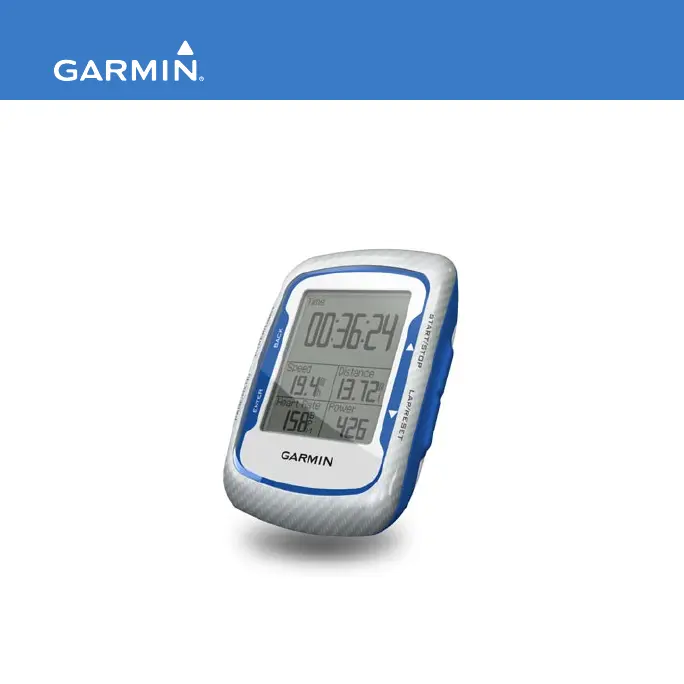
GPS-ENABLED CYCLING COMPUTER
owners manual

Other manuals for Garmin EDGE 500

Questions and Answers

  • K
    Kimberly GordonJul 26, 2025
    What to do if my Garmin Bicycle Accessories ANT+ sensor won't pair?
    • J
      Jasmine SmithJul 26, 2025
      If your ANT+ sensor isn't pairing with your Garmin Bicycle Accessories, stay at least 10 meters away from other ANT+ sensors during pairing. Ensure the device is within 3 meters of the heart rate monitor. If the problem continues, consider replacing the battery.
  • C
    Cathy RhodesAug 9, 2025
    Why is my Garmin EDGE 500 Bicycle Accessories heart rate data inaccurate?
    • A
      Anita WoodsAug 9, 2025
      If you're experiencing inaccurate or erratic heart rate data with your Garmin Bicycle Accessories, ensure the heart rate monitor is snug against your body. Reapply moisture to the electrodes using water, saliva, or electrode gel. Clean the electrodes, as dirt and sweat can interfere with signals. You might also try positioning the heart rate monitor on your back instead of your chest. Wearing a cotton shirt, or wetting your shirt, may help. Finally, move away from strong electromagnetic fields and some 2.4 GHz wireless sensors.

Summary

Garmin Edge 500 GPS-Enabled Cycling Computer

Getting Started

Initial setup and basic operations for the Garmin Edge 500 cycling computer.

Charging the Edge

Instructions on how to charge the Garmin Edge device using the AC charger or USB cable.

Installing the Edge

Steps to properly mount the Garmin Edge device onto a bicycle.

Acquiring Satellite Signals

Steps to ensure the Garmin Edge acquires satellite signals for GPS functionality.

Optional ANT+ Sensors

Information on setting up optional ANT+ sensors like heart rate monitors and speed/cadence sensors.

Going for a Ride

Guide on how to start and use the Garmin Edge during a cycling ride.

Saving Your Ride Data

Instructions on how to save recorded ride data and reset the timer on the Garmin Edge.

Transferring History to Your Computer

Steps to connect the Garmin Edge to a computer and transfer ride history.

Training with Your Edge

Alerts

How to set up and use alerts for time, distance, calorie, heart rate, and power goals.

ANT+ Sensors

Tips for Pairing ANT+ Sensors

Best practices and steps for successfully pairing ANT+ sensors with the Edge.

ANT+ Sensor Troubleshooting

Common problems and solutions for ANT+ sensor pairing and connectivity.

Settings

GPS Settings

Overview of GPS settings including turning off satellites and using elevation points.

Troubleshooting

Troubleshooting

Solutions for common problems encountered with the Garmin Edge device.

Garmin EDGE 500 Specifications

General IconGeneral
Display resolution128 x 160 pixels
Battery life (max)18 h
Weight and Dimensions IconWeight and Dimensions
Depth22 mm
Width48 mm
Height69 mm
Weight56.7 g

Videos

How to Replace Your Garmin Edge 500 Battery

Related product manuals