EasyManua.ls Logo

Garmin Flight Stream 110/210 - User Manual

Garmin Flight Stream 110/210
46 pages
Print Icon
To Next Page IconTo Next Page
Loading...
190-01700-00 October 2014 Revision B
Flight Stream 110/210
TSO Installation Manual

Table of Contents

Questions and Answers

  • T
    Thomas SilvaAug 2, 2025
    What to do if Garmin Flight Stream 110/210 Flight Stream connection is lost?
    • R
      richard09Aug 2, 2025
      If the Garmin Gateway Flight Stream connection is lost, ensure the control/display is within RF range of the Flight Stream. Also, verify that the Flight Stream is not mounted behind any RF blocking material, such as a bulkhead. Consider changing the mounting location of the Flight Stream, referring to section 2.5 for recommendations. If using Flight Stream 210 connected to a display, remove the Bluetooth pairing from both the portable electronic device and the Flight Stream, then attempt to pair the device again.
  • D
    derrick96Aug 11, 2025
    How to fix Garmin Flight Stream 110/210 Gateway Flight Stream not found?
    • S
      sgarciaAug 11, 2025
      If the Garmin Gateway Flight Stream is not found, check the Flight Stream wiring and power. Ensure that the Flight Stream is not mounted behind RF blocking material such as a bulkhead. Change the mounting location of the Flight Stream as recommended in section 2.5. Check that the control/display is in RF range of the Flight Stream. Verify that pairing mode is enabled; see section 4.2 for more information.
  • M
    michaelrubioAug 22, 2025
    Why does Garmin Flight Stream 110/210 Gateway Flight Stream 210 attitude behavior appear backwards?
    • E
      Elizabeth LewisAug 22, 2025
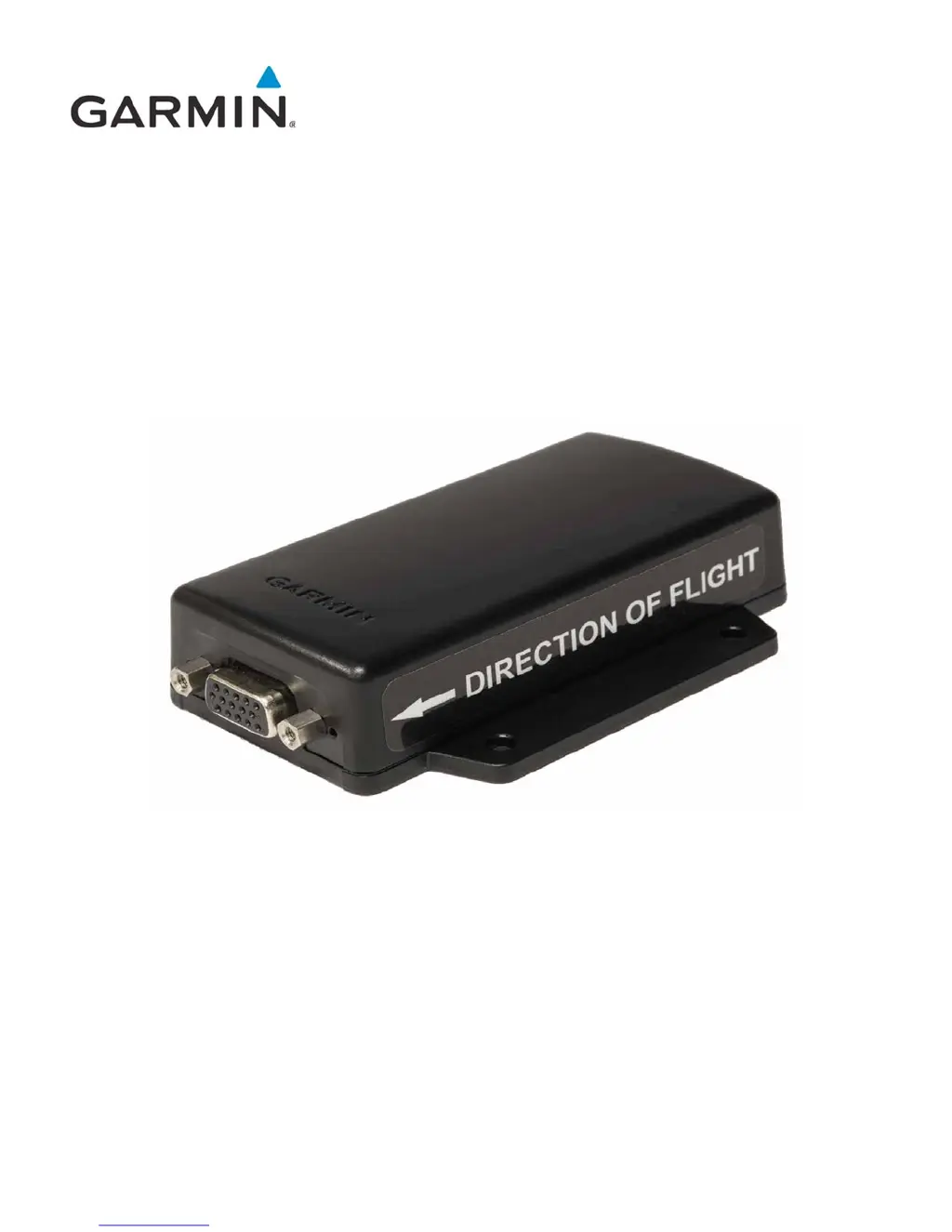
      If the attitude behavior of your Garmin Gateway Flight Stream 210 appears backwards, ensure that the Flight Stream is mounted with the arrow pointing in the direction of flight.

Summary

1 GENERAL DESCRIPTION

1.4 Technical Specifications

Details technical specifications including environmental, physical dimensions, power requirements, and general operational parameters for the Flight Stream.

1.5 Certification

Information on TSO authorization, compliance standards, any deviations, non-TSO functions, and design assurance levels for the Flight Stream.

2 INSTALLATION OVERVIEW

3 INSTALLATION PROCEDURE

3.1 Wiring Harness Installation

Step-by-step guide for constructing the wiring harness, connecting pins, and routing the cable from the Flight Stream unit.

3.3 Equipment Mounting

Instructions for physically mounting the Flight Stream unit in the aircraft, covering placement, orientation, and specific requirements for the Flight Stream 210.

4 POST-INSTALLATION CONFIGURATION AND CHECKOUT

4.1 Mounting, Wiring, and Power Checks

Checks for proper mounting, wiring continuity, shield connection, and power distribution to ensure correct installation of the Flight Stream.

4.2 Bluetooth Setup

Guide to pairing the Flight Stream with portable electronic devices using Bluetooth, including initial pairing and connection procedures.

4.3 Ground Checks

Procedures for performing ground checks, verifying Bluetooth pairing, attitude data, GPS position, and data reception from connected devices.

6 CONNECTOR PINOUT INFORMATION

7 TROUBLESHOOTING

Garmin Flight Stream 110/210 Specifications

General IconGeneral
BrandGarmin
ModelFlight Stream 110/210
CategoryGateway
LanguageEnglish