EasyManua.ls Logo

Garmin tempe - Usage and Technical Information; Pairing with Garmin fēnix; Placement and Usage Tips; Product Specifications

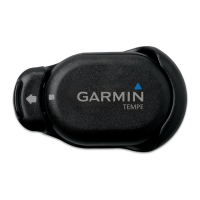
Garmin tempe
7 pages
Print Icon
To Next Page IconTo Next Page
To Previous Page IconTo Previous Page
Loading...
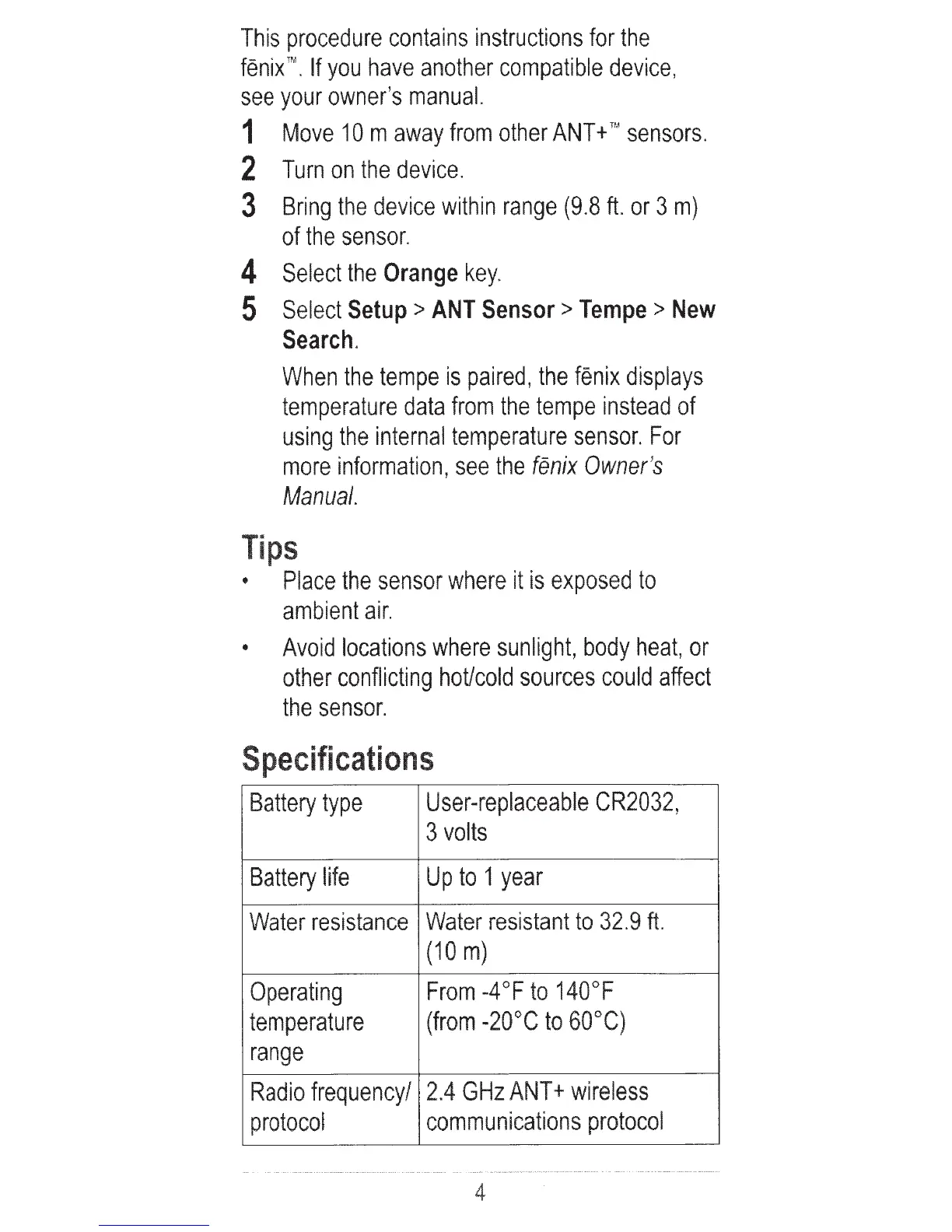
This
procedure
contains
instructions
for
the
fenix
.
If
you
have
another
compatible
device
,
see
your
owner's
manual.
1
Move
10
m
away
from
other
ANT+
TM
sensors.
2
Turn
on
the
device.
3
Bring
the
device
within
range
(9.8
ft.
or
3
m)
of
the
sensor.
4
Select
the
Orange
key.
5
Select
Setup
>
ANT
Sensor>
Tempe
>
New
Search.
When
the
tempe
is
paired
,
the
fenix
displays
temperature
data
from
the
tempe
instead
of
using
the
internal
temperature
sensor.
For
more
information,
see
the
fenix
Owner
's
Manual.
Tips
Place
the
sensor
where
it
is
exposed
to
ambient
air.
Avoid
locations
where
sunlight,
body
heat,
or
other
conflicting
hoUcold
sources
could
affect
the
sensor.
Specifications
Battery
type
User-replaceab
le
CR2032,
3
volts
Battery
life
Up
to
1
year
Water
resistance
Water
resistant
to
32.9
ft
.
(10m)
Operating
From
-4°F
to
140°F
temperature
(from
-20
°C
to
60°C)
range
Radio
frequency
/
2.4
GHz
ANT+
wireless
protocol
communications
protocol
4