EasyManua.ls Logo

Gartenland EasyMow 1200 - User Manual

Default Icon
83 pages
Go to English
Print Icon
To Next Page IconTo Next Page
Loading...
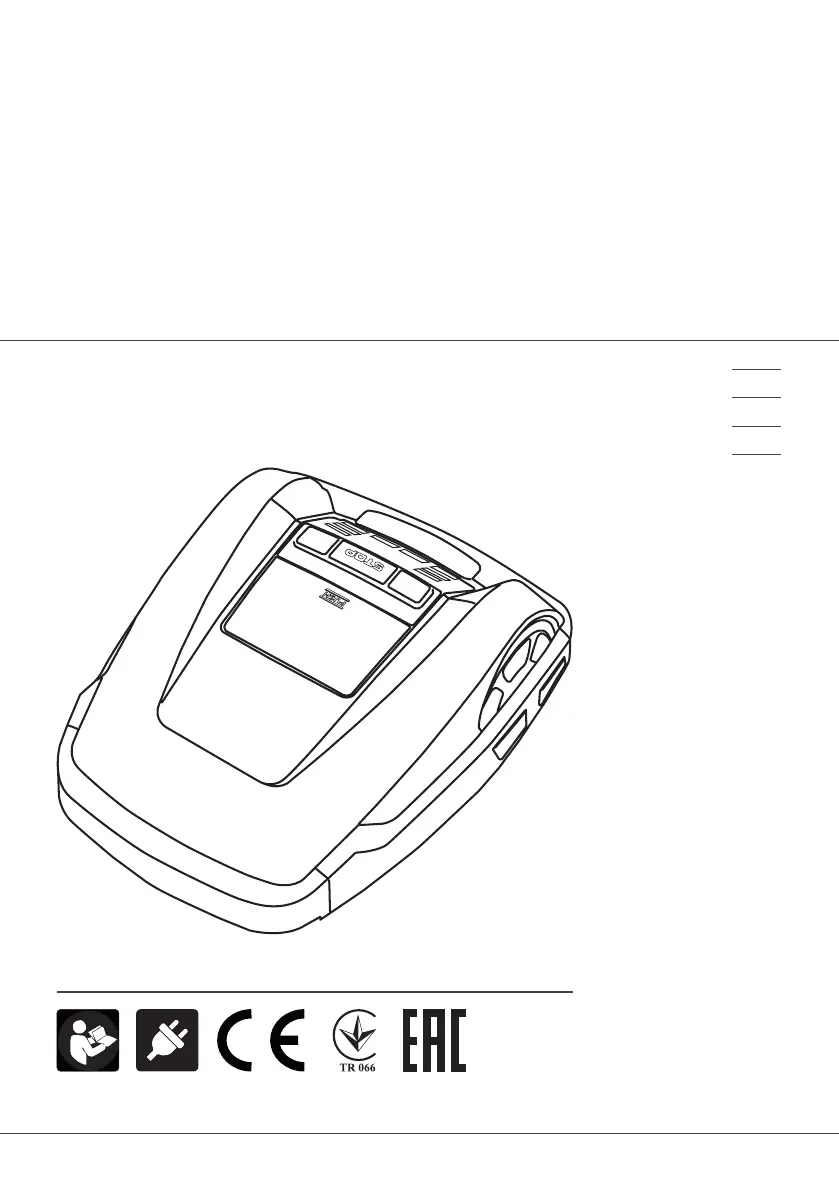
BETRIEBSANLEITUNG
ROBOTER-RASENMÄHER
EasyMow 1200
456776_a 01 | 2016
DE
EN
NL
FR

Table of Contents

Questions and Answers

Summary

Technical Data and Specifications

Robotic Lawn Mower Specifications

Provides technical specifications for the robotic lawn mower itself, including dimensions and weight.

Base Station and Transformer Specifications

Details technical specifications for the base station and its associated transformer.

Unpacking and Product Overview

Explanation of Symbols

Explains the meaning of various symbols used throughout the manual and on the machine.

Scope of Delivery

Lists all components and items included in the product package.

About this Handbook

Provides guidance on how to use the manual for safe and effective operation.

Product Description

Describes the features and general operation of the automatic lawnmower.

Safety and Usage Guidelines

Designated Use

Defines the intended purpose and acceptable applications for the lawnmower.

Possible Misuse

Details inappropriate uses of the lawnmower and situations to avoid.

Safety Instructions

Outlines crucial safety precautions for operating the lawnmower.

Safety and Protective Equipment

Lists necessary safety devices and personal protective equipment.

Functional Description and Sensors

Description of Function

Explains the automatic mowing process, mulching effect, and charging.

Sensors Overview

Explains the function of various safety sensors on the mower.

Bump Sensors and Obstacle Detection

Describes how bump sensors detect and react to obstacles.

Tilt Sensors

Details the function of tilt sensors for managing slopes.

Rain Sensor

Describes the rain sensor's role in pausing mowing and returning to base.

Transformer Function

Explains the transformer's function in powering the base station.

Assembly Introduction

Provides initial instructions for assembling the robotic lawnmower.

Assembly and Installation

Setting up the Base Station

Guides on properly positioning and securing the base station.

Boundary Cable Installation

Instructions for laying and securing the boundary wire.

Boundary Cable Options

Presents different methods for laying the boundary cable around obstacles.

Connecting Cables

Guides for connecting boundary and low-voltage cables to the transformer.

Base Station Access

Explains how to open the base station for checks.

Connection Checks and Indicators

Checking Electrical Connections

Steps to verify all connections are secure and functional.

Yellow LED Indicator

Explains the function of the yellow LED indicator on the base station.

Green LED Indicator

Describes the meaning of the green LED indicator on the base station.

Control Panel Operation

Control Panel Overview

Details the functions of each button and display element on the control panel.

PIN and PUK Code Management

Information on managing the PIN and PUK codes for security.

Initial Startup Procedure

Guidance on the initial setup and first-time use of the mower.

Initial Setup and Calibration

Language Selection

Steps to select the user interface language.

PIN Code Entry

Instructions for entering the initial PIN code.

Time and Date Settings

How to set or modify the mower's time and date settings.

Calibration Process

Steps for calibrating the robotic lawn mower.

Mowing Program Configuration

Post-Calibration Display Information

What to expect on the display after calibration is complete.

Main Menu Navigation

Lists the available options within the main menu.

Program Menu Usage

Details how to configure mowing programs.

Setting the Weekly Program

Guide to setting up the weekly mowing schedule.

Weekly Mowing Schedules and Entry Points

All Days Mowing Schedule

How to set mowing times for all days of the week.

Specific Day Mowing Schedule

How to set specific mowing times for individual days.

Program Setting Symbols

Explains symbols used in program settings.

Entry Point Management

Instructions for defining and managing starting points for mowing.

Advanced Settings and Information

Learning Entry Points

Guide to teaching the mower new entry points.

Setting Menu Options

Overview of settings like button tones, rain sensor, and display contrast.

Restoring Factory Settings

Steps to reset the mower to its original factory configuration.

Information Menu

Accessing system status and fault information.

Blade Service Alerts

Information about blade wear and maintenance alerts.

Fault Code Interpretation

Details on how to view and interpret error messages.

Starting and Mowing Operations

Starting the Robotic Lawn Mower

Steps to power on and initiate mowing.

Error Message Handling

Steps to take when encountering specific error messages.

Mowing Tips for Optimal Performance

Advice for optimal mowing performance and lawn care.

Adjusting Cutting Height

Instructions for adjusting the mower's cutting height.

Battery Management and Charging

Information on the battery, charging, and status.

Maintenance and Care Procedures

Maintenance and Care Overview

Comprehensive guide to maintaining the lawnmower.

Transporting the Mower

Guidelines for safely transporting the robotic lawn mower.

Cleaning the Mower

Detailed instructions for cleaning the robotic lawn mower.

Checking Charging Contacts

How to check and clean the charging contacts.

Cleaning the Chassis

Instructions for cleaning the main body of the mower.

Roller Checks, Storage, and Repairs

Checking Roller Movement

Verifying that the mower's rollers can move freely.

Base Station Checks

Steps to check the base station and its contacts.

Winter Storage Recommendations

Recommendations for storing the mower during winter.

Repair Guidelines

Guidelines for authorized repair procedures and parts.

Renewing Cutting Blades

Step-by-step guide to replace the cutting blades.

Troubleshooting Common Issues

General Troubleshooting

General troubleshooting advice for common issues.

Interpreting Fault Codes

Explains how to interpret specific fault codes displayed by the mower.

Specific Error Code Troubleshooting

Lift Sensor Errors

Troubleshooting lift sensor error messages.

Bumper Errors

Solutions for errors related to deflected bumpers.

Loop Signal Errors

Troubleshooting issues with the boundary loop signal.

Positioning and Calibration Errors

Advice for positioning, calibration, and loop signal issues.

Battery Errors

Troubleshooting battery-related errors and issues.

Advanced Error Code Solutions

Recovery and Overheating Errors

Troubleshooting errors related to recovery, battery, and motor overheating.

Obstacle and Blockage Errors

Solutions for errors indicating obstacles or blocked wheels.

Appendix and Declarations

Warranty Information

Outlines the terms and conditions of the product warranty.

EC Declaration of Conformity

Declares compliance with EC directives and safety standards.

Gartenland EasyMow 1200 Specifications

General IconGeneral
BrandGartenland
ModelEasyMow 1200
CategoryLawn Mower
LanguageEnglish