10
www.gateway.com
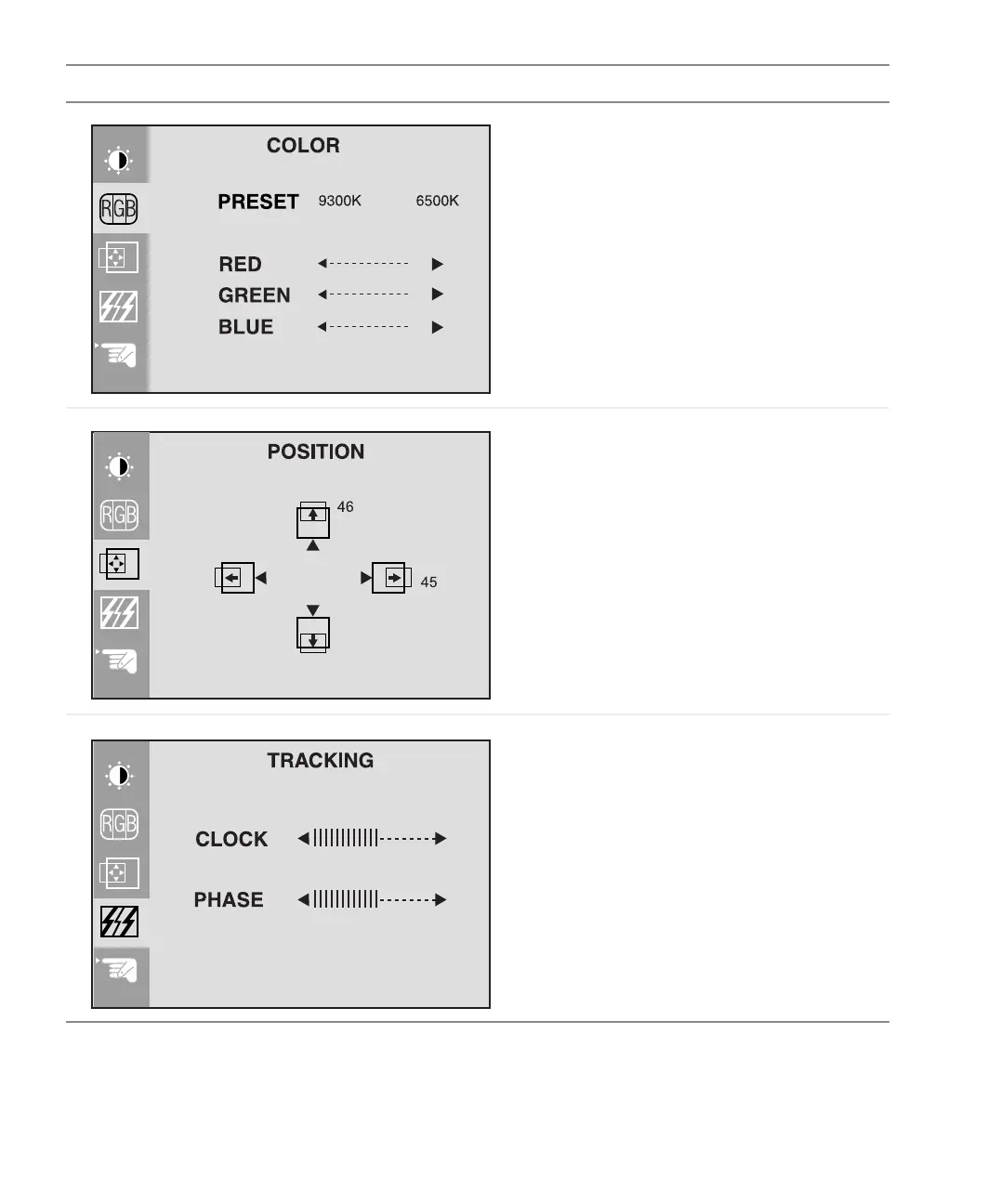
Preset. Adjusts the color temperature.
9300K is bluish white.
6500K is reddish white.
Red, Green, Blue. Customizes the color levels.
Vertical position. Moves the display image up
and down.
Horizontal position. Moves the display image
left and right.
You can also use the Auto function to configure
the vertical and horizontal position
automatically. For more information on the Auto
function, see “External controls” on page 7.
Clock. Minimizes any vertical bars or stripes
visible on the screen background. The
horizontal screen size will also change.
Phase. Removes any horizontal distortion and
clears or sharpens the display image text
characters.
OSD Menu Description



 To Next Page