GATEWAY BLUETOOTH® LASER RECHARGEABLE NOTEBOOK MOUSE
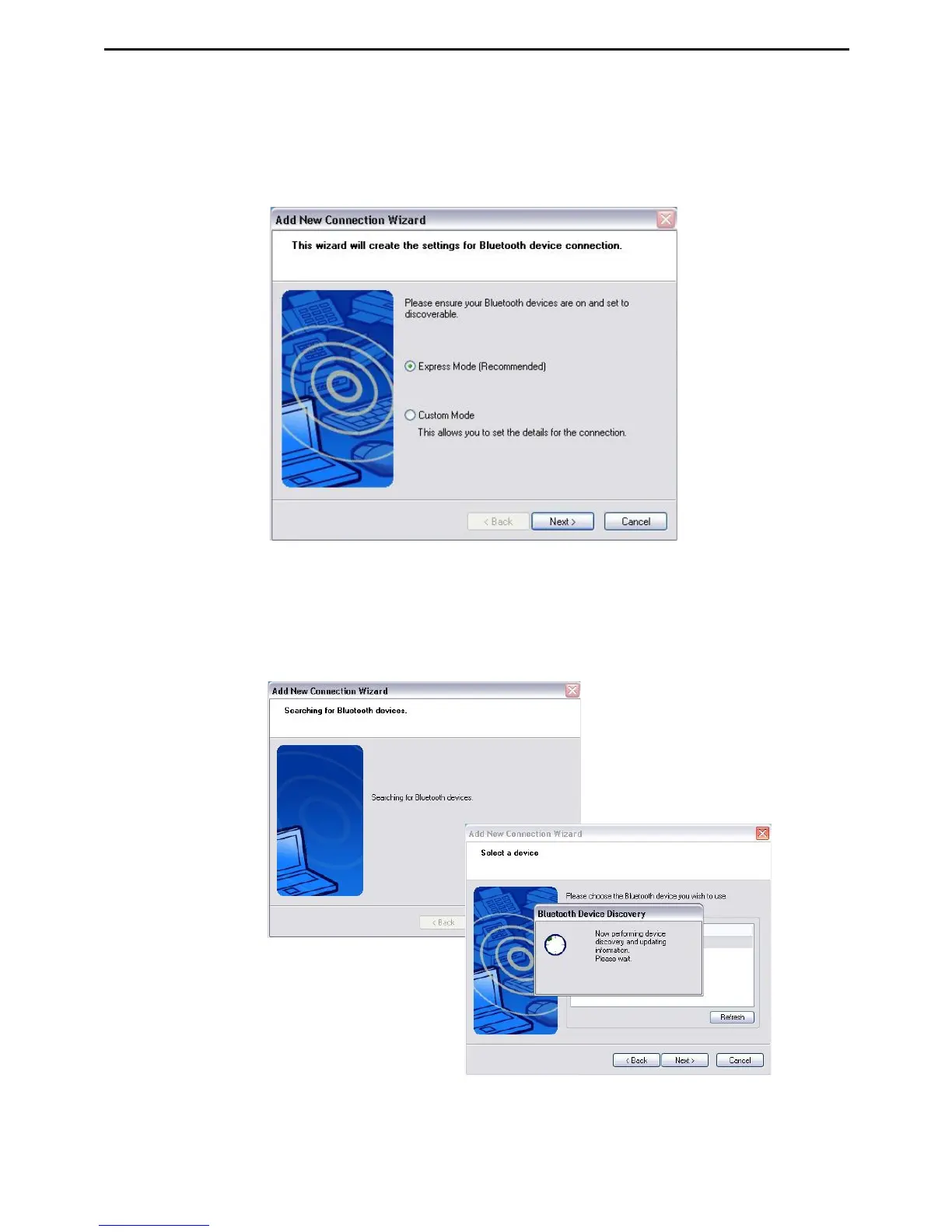
3. Please turn on the mouse and press the connection ID
button located at the bottom of the mouse until the light in
the middle scroller wheel blinks red light (discoverable
mode). Click Next to continue pairing.
4. The computer will now search for the bluetooth mouse and
other bluetooth devices. Please wait until the search is
completed.



 To Next Page