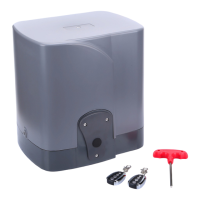
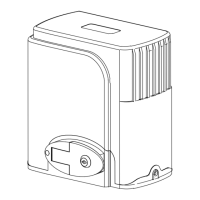
PY800AC/PY1400AC SLIDING GATE OPERATOR
10
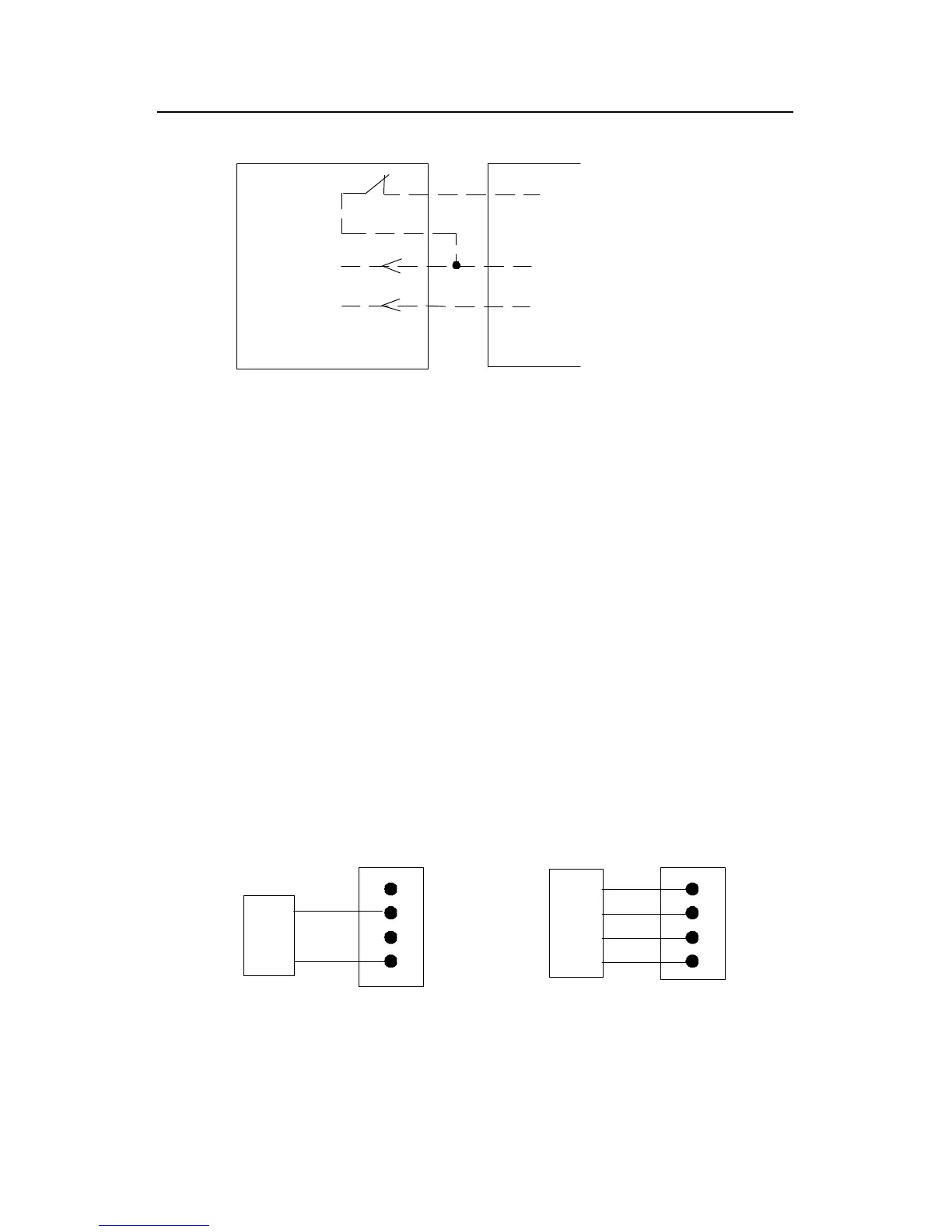
GND
24VDC
Out
I.R
COM
24VDC
Terminal X2
Infrared Control board
Infrared with DC input
Signal
Fig.9
Fig.9
Fig.9
Fig.9 infrared
infrared
infrared
infrared Schematic diagram
d. Three-button switch / single-button switch (keypad): The PY800AC/
PY1400AC is equipped with interfaces for three-button switch and
single-button switch (keypad).
To
install the keypad attach one lead of your keypad to ‘ CLS
’
of
terminal X4 and the other to the ‘ COM ’ . The keypad will function in
single channel mode (the DIP switch 1 should be turn to OFF).
For three-button switch installation, use the terminals for multi-channel
mode. Connect open wire of external button switch to ‘ OPN
’
of
terminal X4, connect close wire of switch to ‘ CLS ’ , connect stop wire
of switch to ‘ STP ’ , connect common wire of switch to ‘ COM ’ .
Common
Stop
Close
Open
Three-button switch
COMCOM
Control board
terminal block
Control board
terminal block
Single-button switch
Keypad
OPN
CLS
STP
OPN
CLS
STP
terminal X4 terminal X4
Fig.10


 To Next Page
 Loading...