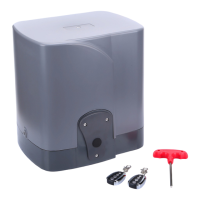
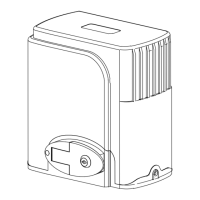
PY800AC/PY1400AC SLIDING GATE OPERATOR
12
1 2
3 4
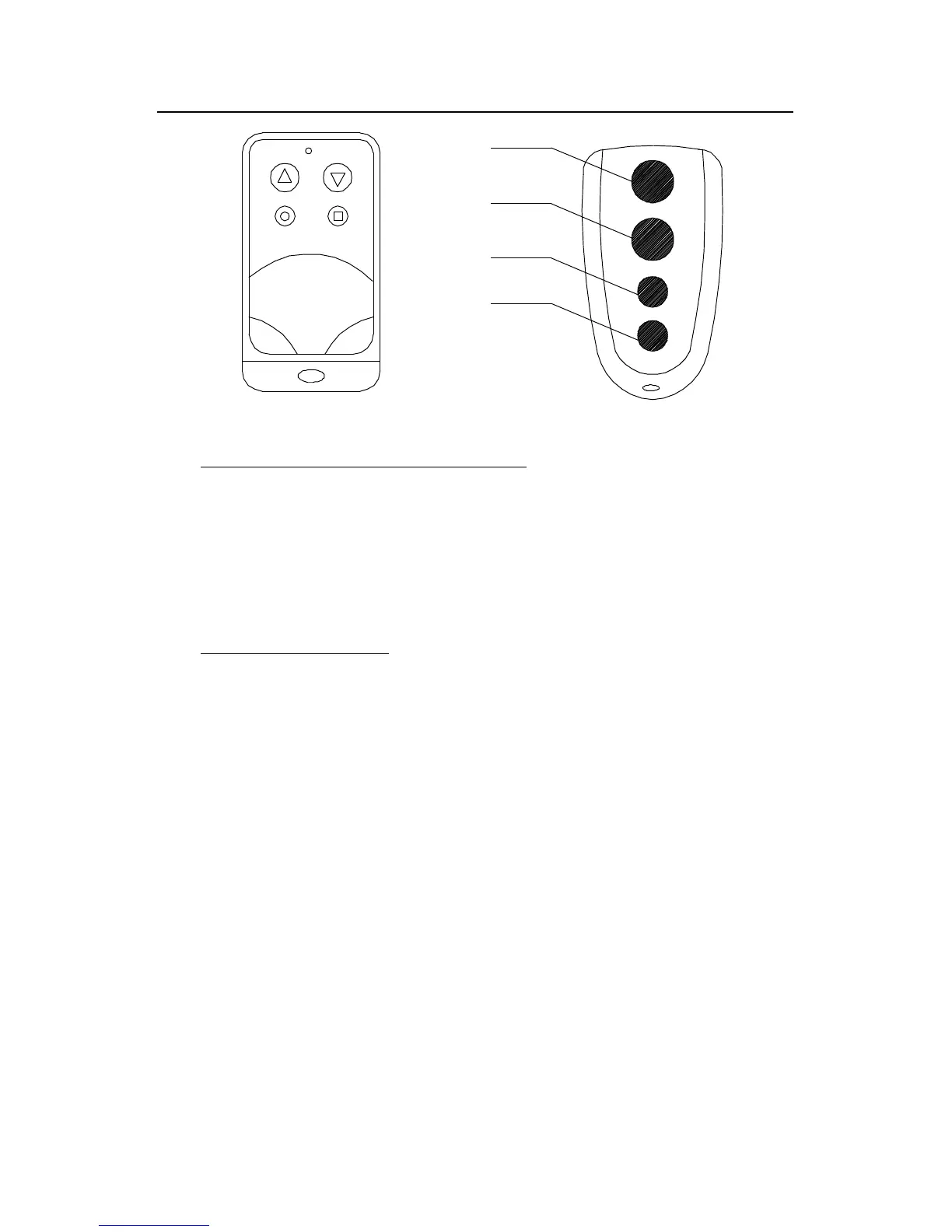
Button 1
Button 2
Button 3
Button 4
Fig.12
Remote transmitter
� Adding extra remote controls (Learn) : Remove the cover, press the
learn button ‘ AN1
’
(Fig.8), then the ‘ LED2
’
(Fig.8) will be on and
turn off, then press the remote control button which you want to use,
the ‘ LED2
’
will turn on about 2 seconds and then turn off again. The
learning process is finished.
Up to 25 remote controls may be used.
� Erase remote controls :
To
erase all existing remote controls, press
and hold learn button ‘ AN1 ’ , the ‘ LED2
’
turns on, release the button
once the ‘ LED2
’
turns off. This indicates that all the remote controls
have been erased completely.
� Note
Note
Note
Note : Press the ‘ OPEN
’
button of external button switch or remote
control button which has been learned, the gate will open, the motor
rotates clockwise, and the ‘ LED2
’
is turns on. The output voltage
between ‘ D1 and D2
’
(terminal X3) is AC220V/110V, the voltage
between ‘ V
’
and ‘ U
’
is AC220V/110V. Press ‘ STOP
’
button or the
same remote control button, the gate stops running. And the ‘ LED2
’
is
turns off. Then press ‘ CLOSE
’
button or the same remote control
button again, the gate will close, the motor rotates anticlockwise, and
the ‘ LED2
’
is turns on. The output voltage between ‘ D1 and D2
’
(terminal X3) is AC220V/110V; the voltage between ‘ V
’
and ‘ W
’
is
AC220V/110V . Press the ‘ STOP
’
button or the same remote control


 To Next Page
 Loading...