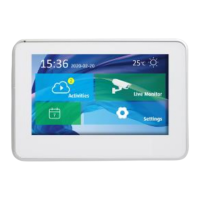
Add your first indoor monitor
Indoor monitor support both WIFI and RJ45 cable network connection.
◆ If the device use RJ45 cable connection, make sure router and switch
support DHCP and turn on your mobile phone WIFI setting and choose
the same network as the indoor monitor connected. When click “add
device”, APP will find the indoor monitor and you can add it into device list.
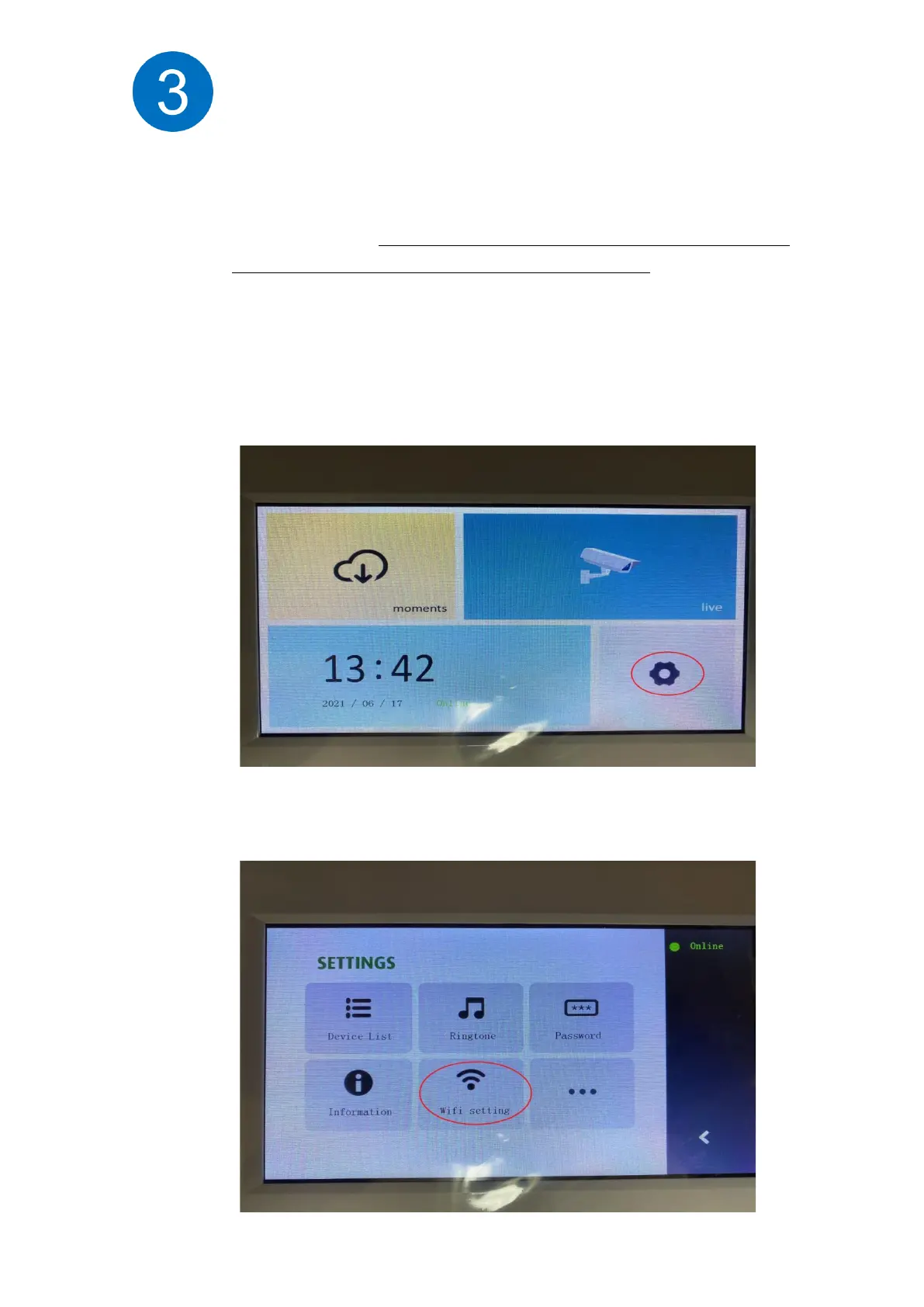
◆ If the indoor monitor uses WiFi, Please go to indoor monitor wifi setting
page (Settings – wifi setup), It is ready for setup when the WiFi configuration
page appears (see the following image).
Then you will find Setting manual and click the Wifi setting.


 To Next Page
 Loading...