7. Test Operations, if chime does not work, see TROUBLESHOOTING.
Chime Unit Mounting Instructions
Note: Avoid mounting on metal surfaces, as it may result in a reduced
range of transmission.
1. Select chime mounting location.
2. Use the supplied chime template to mark mounting holes.
3. Drill 5/32” holes at marked locations.
4. Insert supplied wall anchors into the holes.
5. Insert the 4/20mm screws into the anchors, setting the screw heads
extending about 1/4" from mounting surface.
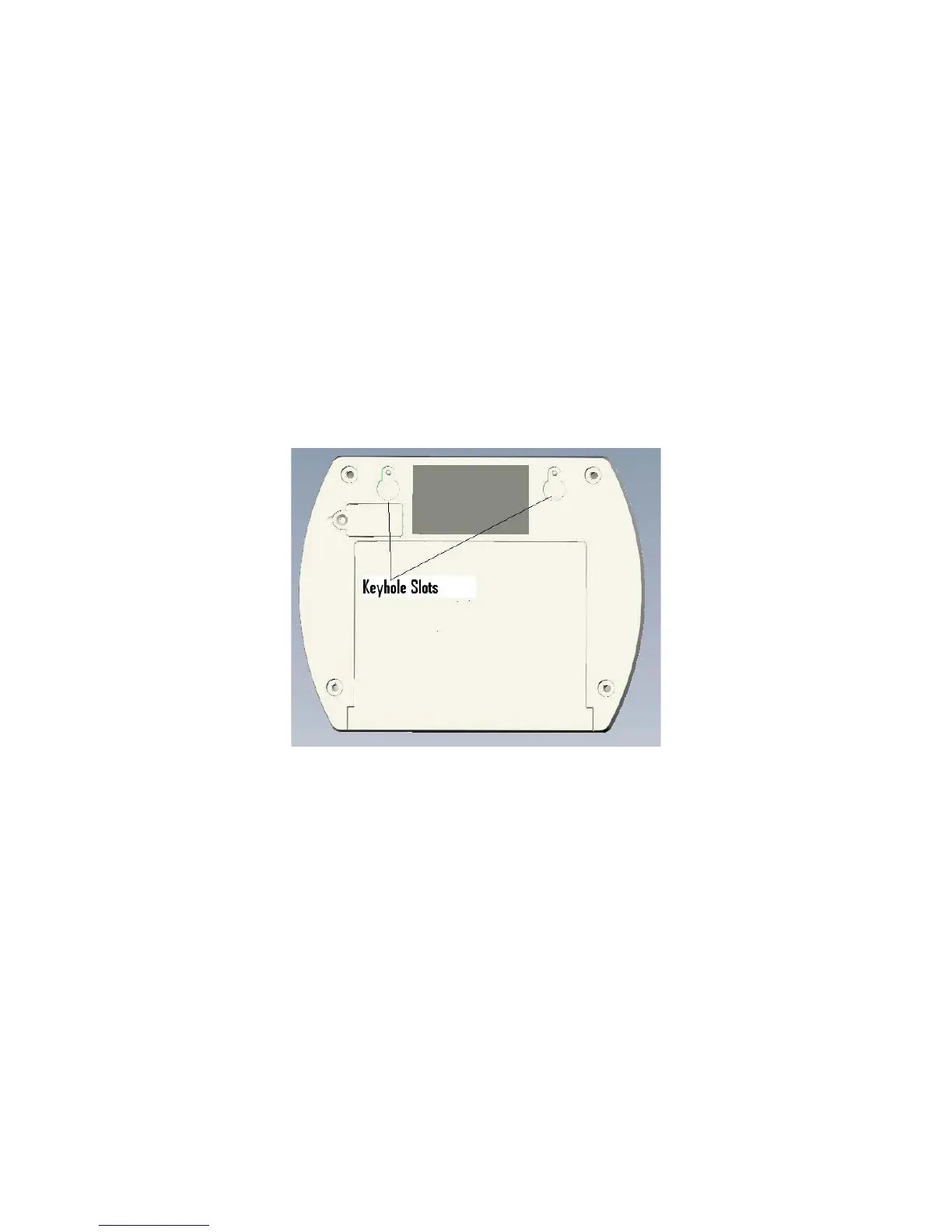
6. Place the chime unit’s keyhole slots over the screws and press down on
the chime unit to secure it.


 To Next Page