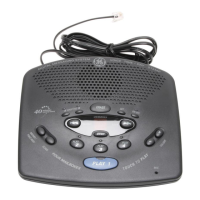
12
LEAVING A MEMO
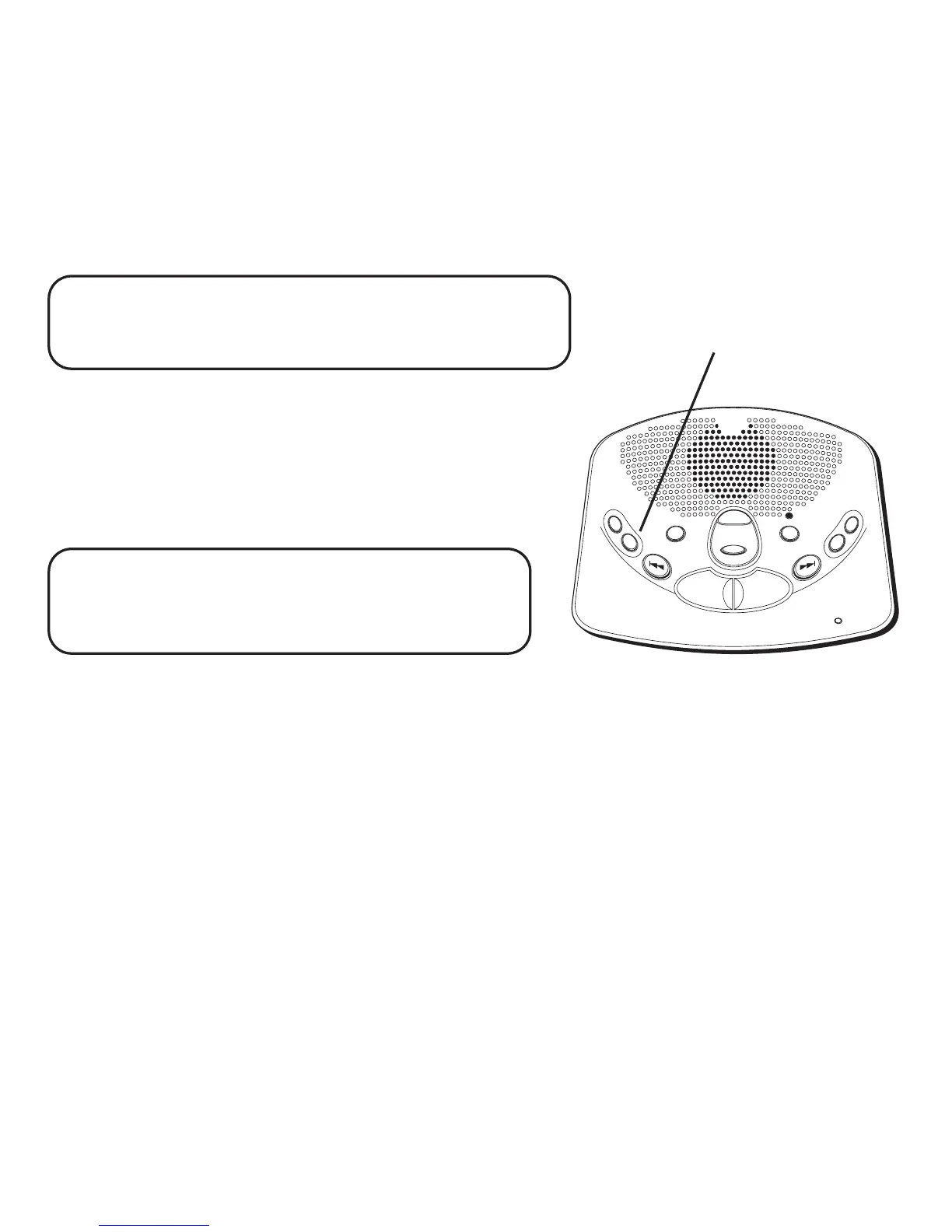
Press and hold the MEMO button. Leave your message
after the announcement and the beep. Release the MEMO
button when you're finished talking. The unit treats the
memo as a message, as the MESSAGES indicator shows.
PLAY • STOP
ALL NEW
MIC
A
N
S
W
E
R
O
N
/
O
F
F
G
R
E
E
TING
M
E
S
S
AGE
S
E
R
A
SE
N
E
X
T
V
O
L
U
M
E
P
R
E
V
I
O
U
S
S
E
T
M
E
M
O
T
A
P
E
L
E
S
S
M
E
S
S
A
G
IN
G
SYS
TEM
VOIC
E
T
IM
E
/
D
AY
/
S
T
A
M
P
MEMO
button
NOTE: The length of time for recording a memo
depends on how many messages are currently stored
by the answerer.
2-WAY RECORD
To record a phone conversation, press and release the
MEMO button. Press MEMO again or ALL or NEW when
finished. A phone must be off the hook to record. The unit
treats the 2-way recorded conversation as a message, as
the MESSAGES indicator shows.
NOTE: The length of time for recording a
conversation depends on how many messages are
currently stored by the answerer.
SCREENING CALLS (AUTO DISCONNECT FEATURE)
You can screen incoming calls by listening as the caller
leaves a message. If you want to talk to that caller, pick up
any extension phone.


 To Next Page