Introduction
Key Features Overview
_kmr "IXr is equipped with ti:atures that will add to your TV viewing experience. The following
inli.wmatinn smnmarizes a ti_w of these features. Chapter 3 provides more information about the
7 "
rest o| he T_ s teatures and hoD,,to nse them.
On-screen Program Guide
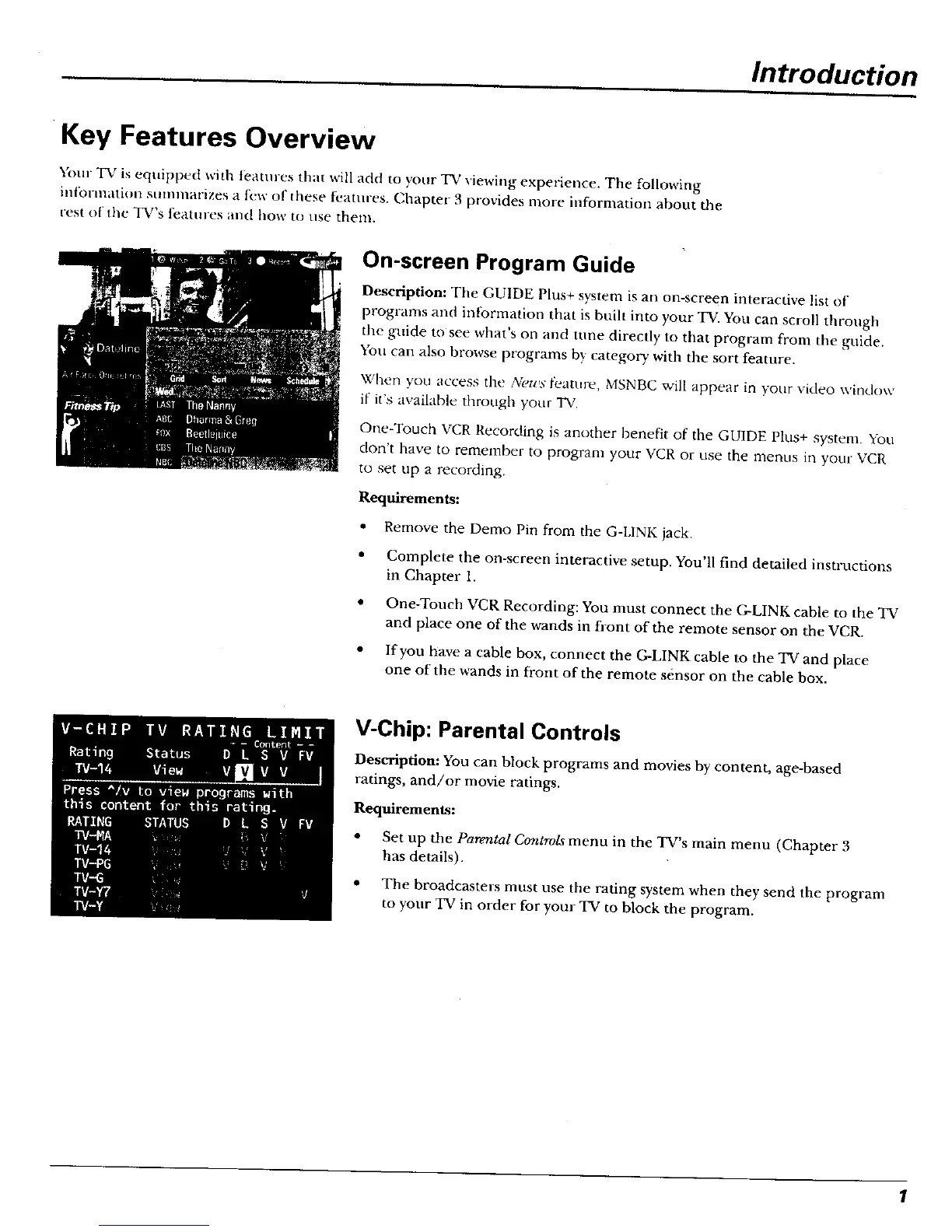
Description: The GUIDE Plus+ system is an on-screen interactive list of
programs and information that is built into your TV. You can scroll through
the guide tosee what's on and tune directly to that program from the guide.
You can also browse programs by category with the sort feature.
When you access the N_,u,st;eature, MSNBC will appear in your video window
if it's available through your TV.
One-Touch VCR Recording is another benefit of the GUIDE Plus+ system. You
don't have to remember to program your VCR or use the menus Ln your VCR
to set up a recording.
Requirements:
• Remove the Demo Pin from the G-LINK jack,
• Complete the on-screen interactive setup. You'll find detailed instructions
in Chapter 1.
• One-Touch VCR Recording: You must connect the G-LINK cable to the TV
and place one of the wands in front of the remote sensor on the VCR.
• If you have a cable box, connect the G-LINK cable to the TV and place
one of the wands in front of the remote sensor on the cable box.
V-Chip: Parental Controls
Description: You can block programs and movies by content, age-based
ratings, and/or movie ratings.
Requirements:
• Set up the Parental Controls menu in the TV's main menu (Chapter 3
has details).
• The broadcasters must use the rating system when they send the program
to your TO in order for your TV to block the program.



 To Next Page