11
Installing the Phone
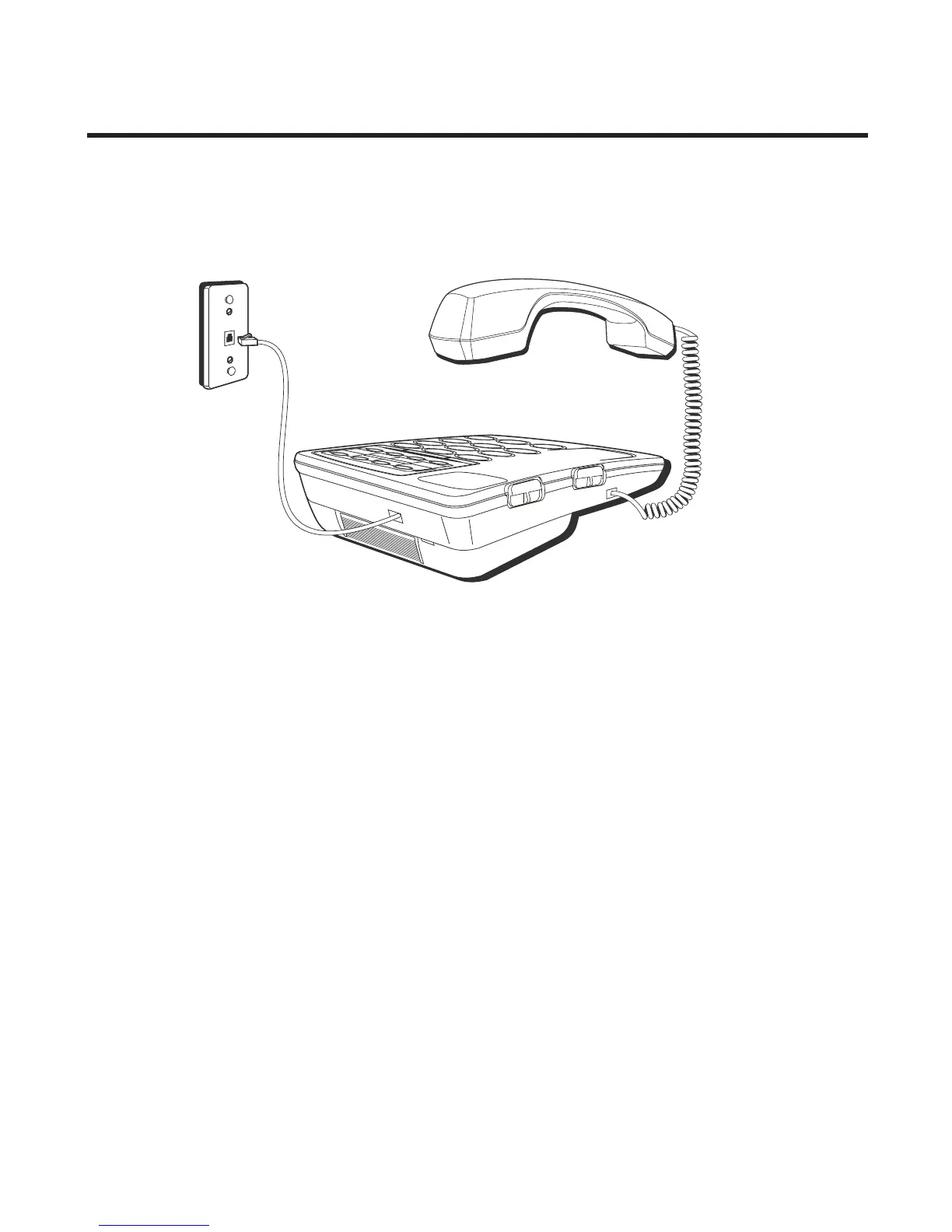
Connecting the Telephone Line
NOTE: The unit is shipped from the factory for
placement on a level surface.
1. Choose an area near a telephone wall jack (RJ11C), and
place your cordless telephone on a level surface, such as
a desktop or tabletop, or you may mount it on the wall.
2. Plug one end of the telephone line cord into the TEL
LINE jack at the top of the base and the other end into a
modular jack.
3. Place the handset into the cradle.
4. Adjust the HANDSET RECEIVER VOLUME switch to the
desired listening level: HI, MID, or LO
5. Adjust the RINGER VOLUME switch to the desired setting:
HI, LOW or OFF.
6. Adjust the SPEAKER VOLUME switch to the desired
listening level.



 To Next Page