2
Cut out this remote access card
so that you can take it with
you to help you use the remote
features.
To:
Press:
Play messages ..........................................1
Play previous .............................................7
(during message playback)
Skip to next message .........................9
(during message playback)
Erase message ......................................0
(during message playback)
Turn on answering system ..................2
Turn off answering system .................
Record message ......................................
(press 6 again when nished)
Record greeting ........................................5
(press 6 again when nished)
Stop playback ............................................
(during message playback)
To set security code ...............................7
Play greeting ..............................................8
Erase message .........................................0
Write your 3-digit security code here.
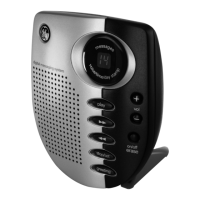
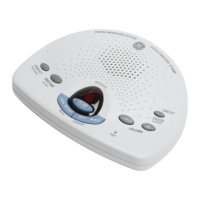
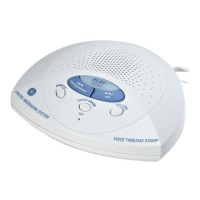
Digital Answering System
29875
1. Dial phone number of the
answering system.
2. Enter 3-digit security code
during greeting or after the
beep.
3. Enter touch-tone command.
4. Hang up.
FOLD



 To Next Page