14
REVIEWING THE SETTINGS
This function allows you to review the current time, rings to answer,
message time and security code.
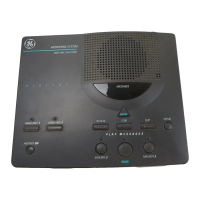
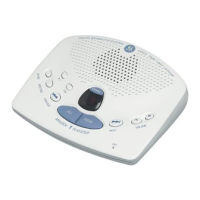
• Press and release the STOP/SET button to start the review. The unit
announces the current settings.
ADJUSTING THE VOLUME
Use the VOLUME + and - buttons to increase or decrease the volume. The
unit beeps when it is not announcing a setting or playing a message.
MESSAGES INDICATOR
The MESSAGES indicator lets you know the status of your unit.
STATUS EXPLANATION/SOLUTION
Message Indicator flashes slowly. There are new messages. Press PLAY/
MEMO to hear your messages.
Message Indicator flashes rapidly. Memory is full. Erase some messages
Message Indicator is lit and not Answerer is on. No action required, unit
flashing. is ready to receive calls.
Message Indicator is off. Answerer is off. Press ON/OFF/ERASE
button to turn on.



 To Next Page