23
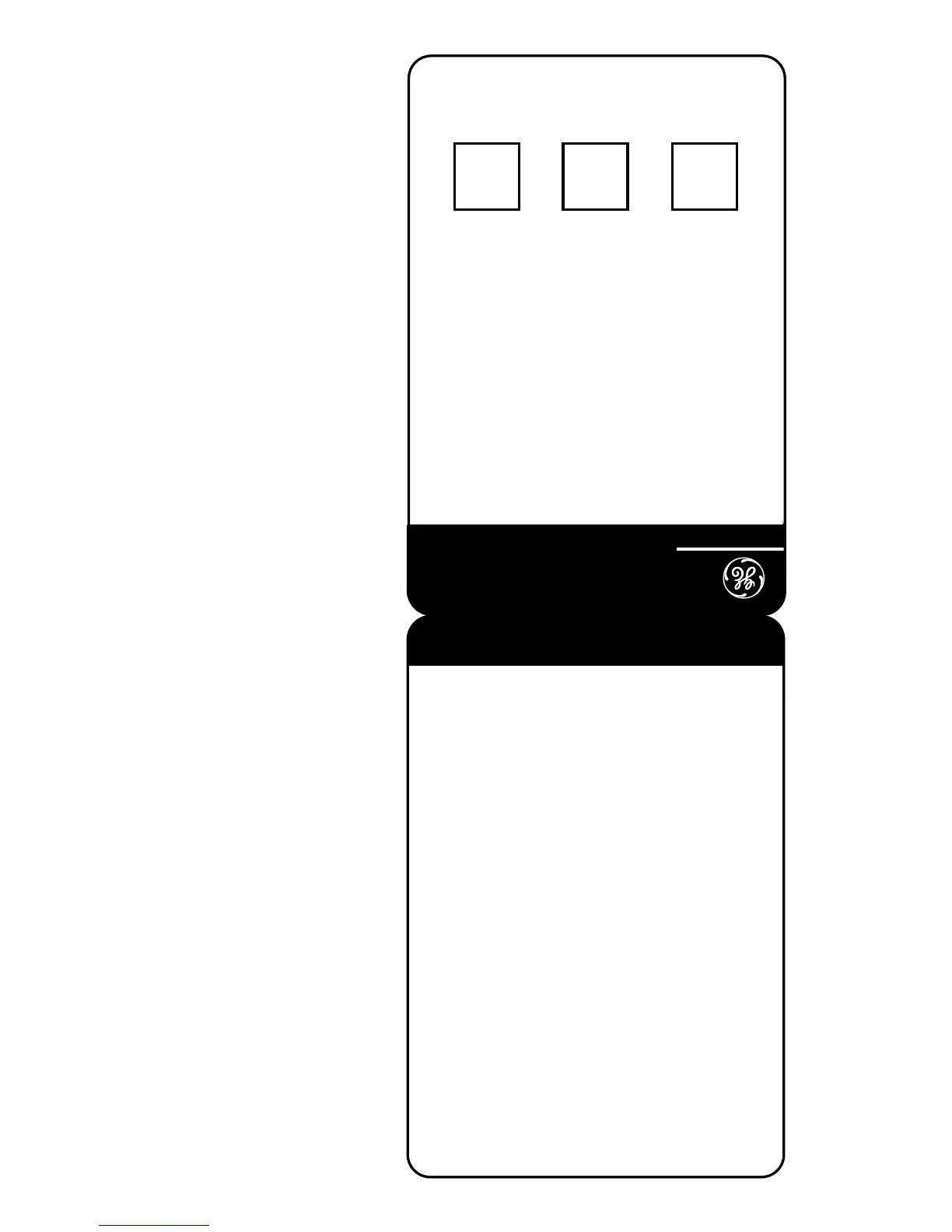
Cut out this remote access card
so that you can take it with you
to help you use the remote
features.
To:
Press:
Play messages ......................... 1
Play previous ............................ 7
(during message playback)
Skip to next message ........... 9
(during message playback)
Erase message ...................... 0
(during message playback)
Turn on answerer ..................... 2
Turn off answerer..................... 3
Record message ...................... 4
(press 6 again when finished)
Record greeting ....................... 5
(press 6 again when finished)
Stop playback ........................... 6
(during message playback)
To set security code ................. 7
Play greeting ............................ 8
Erase message ......................... 0
Write your 3-digit security code
here.
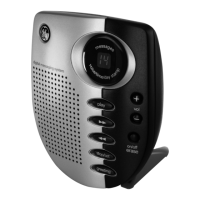
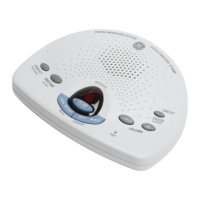
Digital Answerer
29878
1. Dial phone number of the
answerer.
2. Enter 3-digit security code
during greeting or after
the beep.
3. Enter touch-tone
command.
4. Hang up.
FOLD
REMOTE ACCESS CARD



 To Next Page