8
EN
Tape Play
To listen to your recorded microcassette, rewind to the starting point
and press STOP/EJECT button. Press PLAY and adjust the VOLUME to
desired listening level.
IMPORTANT: Tapes must be played back at the same speed in which
they were recorded.
• REW—Slide switch to REW to rewind to beginning or any point of
your recording. Press the STOP/EJECT button after you have rewound
the desired amount.
• FFWD—Slide switch to FFWD to advance the tape. Press STOP/EJECT
button after you have reached the desired location on the tape.
Review (REV)/ CUE
This feature is helpful in finding the beginning or the end of the
recorded segment on the tape. While in PLAY mode, Slide and hold the
REV or CUE switch and listen for change from noise to silence (end of
recording) or from silence to noise (beginning of recording).
When desired portion has been reached, release the REV or CUE switch.
Use the same procedure if you want to skip a portion or listen to the
same segment again.
Using the Recorder
Rewind (REW)/ FAST FORWARD (FFWD)
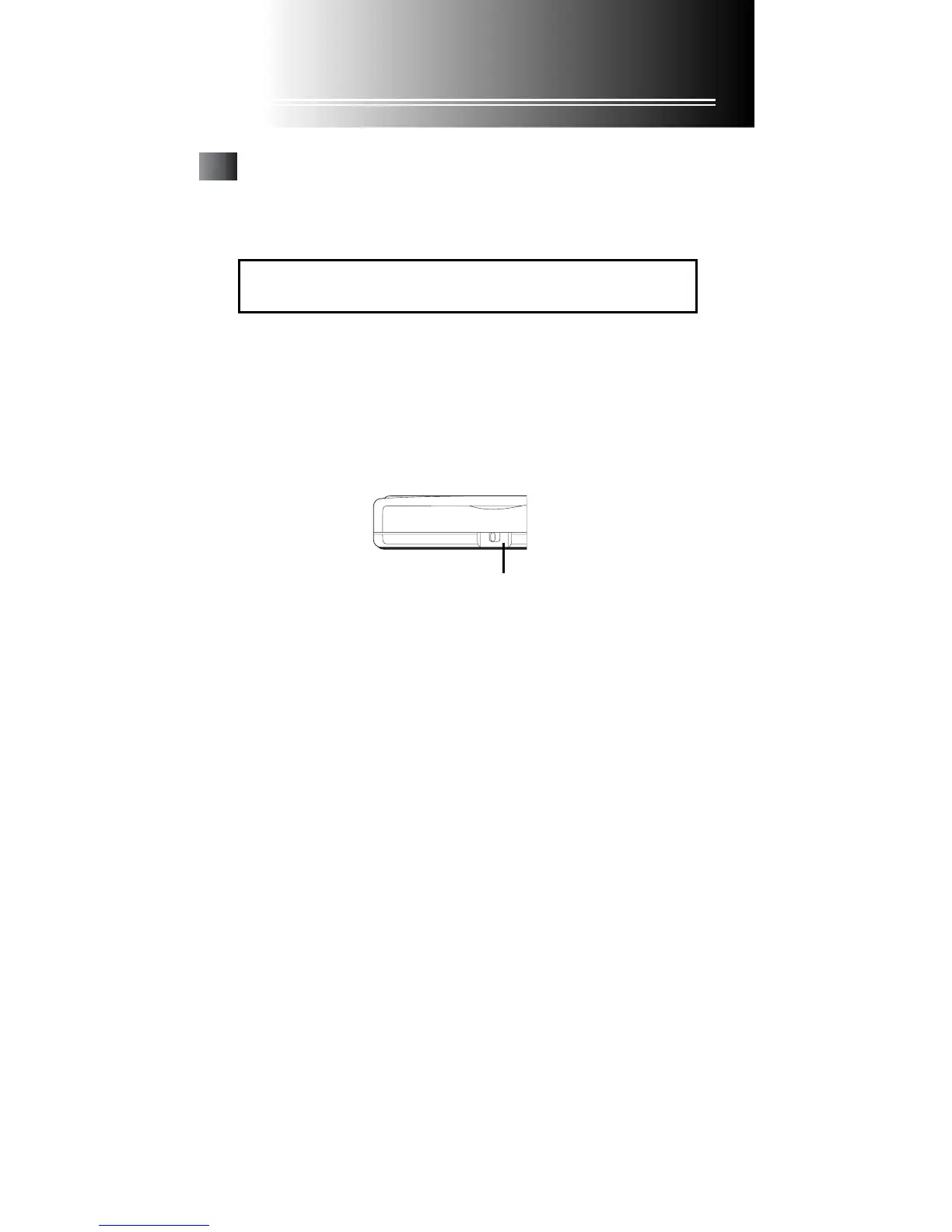
Playback Switch
During the PLAY mode, you can speed up the playback of recording
tapes by placing the PLAYBACK switch in:
• FAST—Speed up Playback, 15%-25% faster than normal playback.
• NORMAL—Playback at normal speed.
PLAYBACK
NORMAL • • FAST
Playback Switch



 To Next Page