12
Using Your Remote
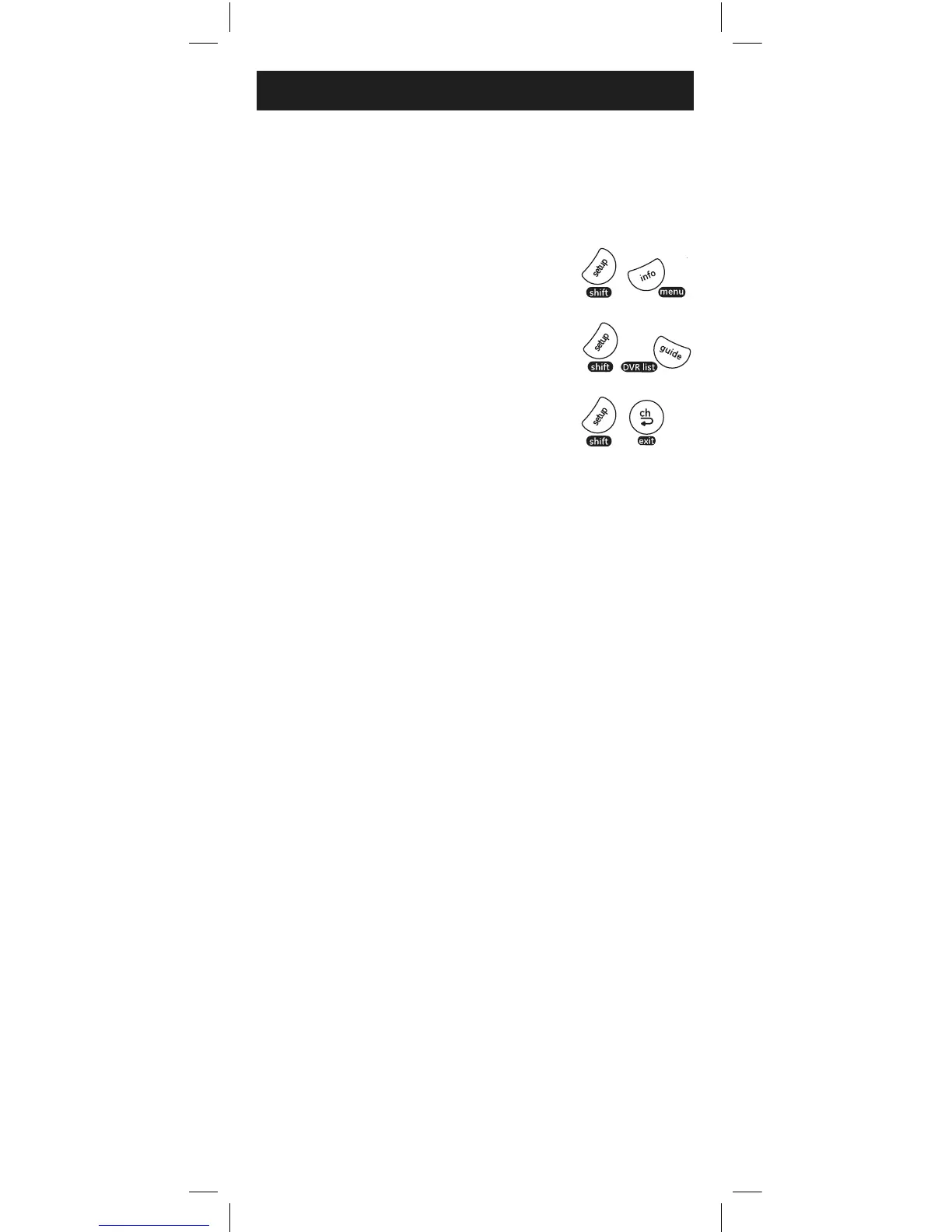
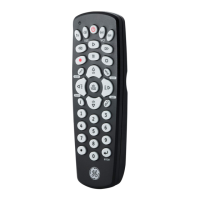
For DVR LIST, press and release
SHIFT/SETUP then GUIDE/DVR LIST.
For EXIT, press and release
SHIFT/SETUP then LAST/EXIT.
NOTE: Remote will stay in shift mode until the SHIFT button is pressed
again, or until 10 seconds of inactivity. The red indicator light will blink
when the remote is in shift mode.
Using SHIFT
The SHIFT/SETUP button allows access to more than
one function for certain buttons.
For MENU, press and release
SHIFT/SETUP then INFO/MENU.



 To Next Page