28
Uso de su Control Remoto
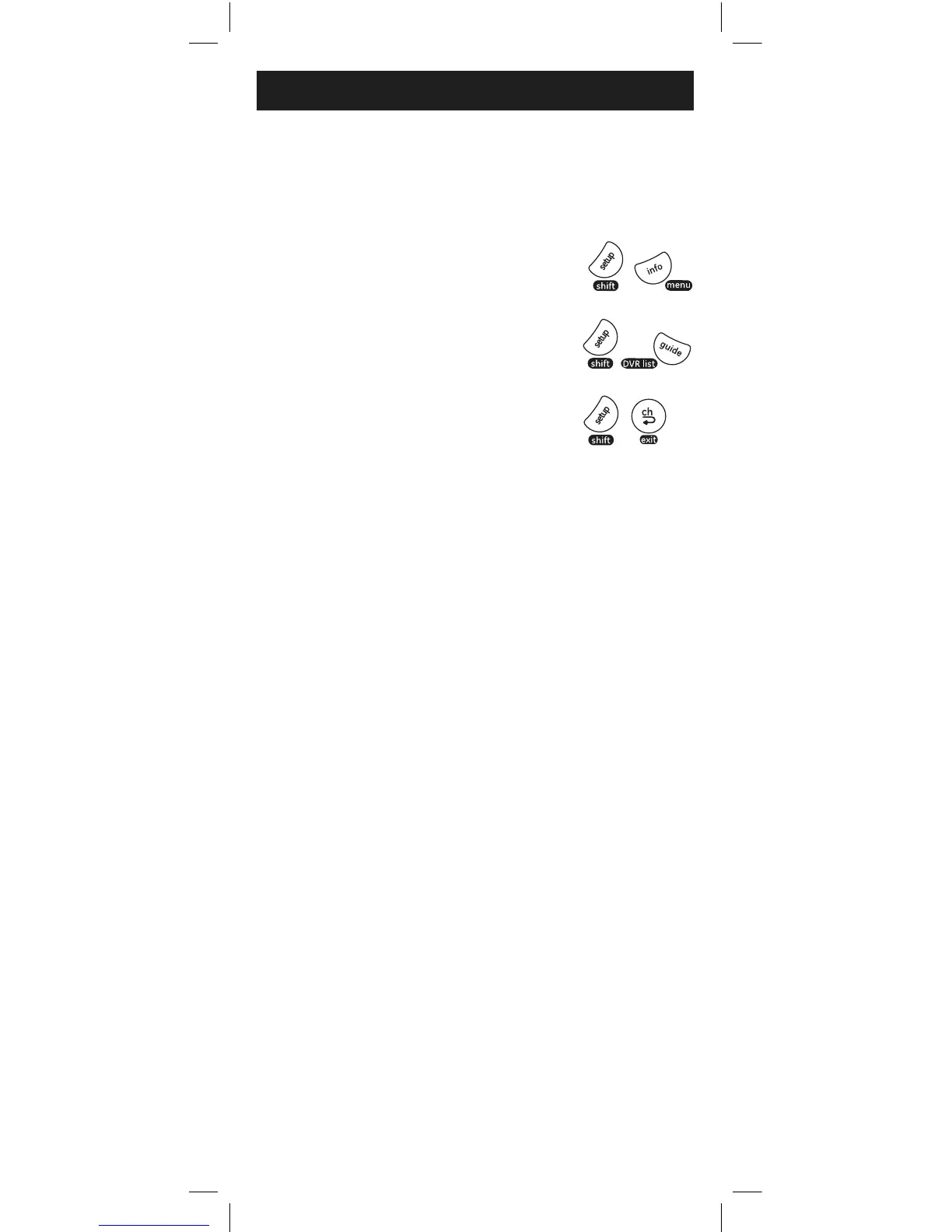
For LISTA DVR, presione y suelte
SHIFT/SETUP, luego GUIDE/DVR LIST.
Para EXIT, presione y suelte
SHIFT/SETUP, luego PREV.CH/EXIT.
NOTA: El control remoto permanecerá en modo shift hasta que vuelva a
presionar el botón SHIFT o hasta después de 10 segundos de inactividad.
La luz indicadora roja parpadeará cuando el control remoto esté en
modo shift.
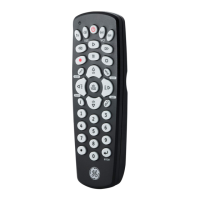
El uso de SHIFT
El botón SHIFT/SETUP permite el acceso a más de
una función de algunos botones.
Para MENU, presione y suelte
SHIFT/SETUP, luego INFO/MENU.



 To Next Page