5
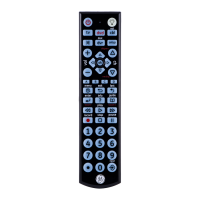
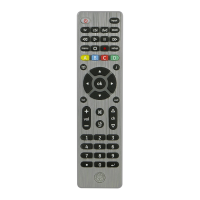
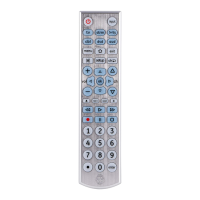
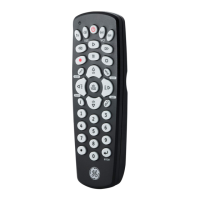
Button Functions
1. Power - Turns devices ON/OFF
2. Red Indicator - Lights when any button is pressed
3. b-ray (dvd), dvr, tv, cbl (sat), amp, aux - Selects the
device to control
4. Up/Down/Left/Right menu navigation
5. Ok - Selects menu items for the controlled device
6. Input - Selects video inputs
7. Setup - Used to program the remote, Shift is the
alternate function of this button. Press this button
once to enter Shift mode, to exit press the SHIFT
button again.
8. Guide - Easily access features on today’s
streaming devices, or DVR List (Shift) on DVRs to
display the list of recorded programs
9. Info - Displays on-screen show/content
information, Menu (Shift) Displays the
on-screen menu
10. Mute - Mutes sound
11. Programmable Favorites - Program up to 10
favorite channels for quick access
12. Volume Up/Down
13. Channel Up/Down
14. Previous Channel - Returns to the previously
selected channel, Exit - Exits on-screen menus
15. ABCD - Access additional features for DVRs,
cable and satellite receivers
16. Record, play, stop, rewind, fast forward, pause
17. Numbers - Enter numbers for direct channel
selection
18. Enter - Some devices require enter to be pressed
after channel selection
19. Dot (•) - Used to select digital channels, e.g., 4.1



 To Next Page