2
Scan this to view
a helpful remote
setup video
http://www.byjasco.com/remote
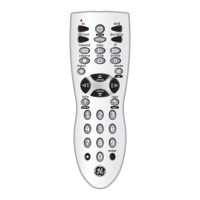
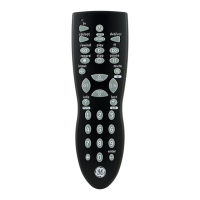
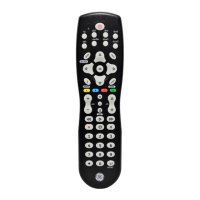
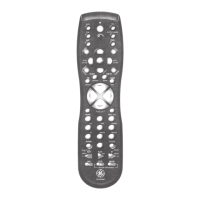
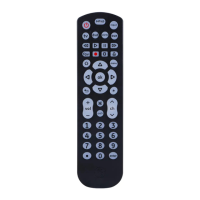
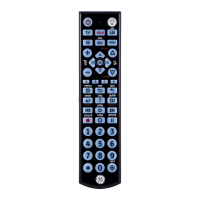
Congratulations on your purchase of this GE-branded
Universal Remote Control. This remote is capable of
operating thousands of audio/video devices including
TVs, Blu-ray
™
/DVD players, streaming media players,
sound bars, cable receivers and more!
Introduction ..................................................................................... 2
Setup .................................................................................................. 3
Button Functions .......................................................................... 4
Programming Your Remote ..................................................... 6
Direct Code Entry................................................................... 6
Auto Code Search ................................................................. 7
Controlling Combo Devices .............................................. 9
Favorites Function ................................................................ 9
Using Your Remote ....................................................................11
Master Volume Feature ....................................................11
Code Identification .............................................................12
Reset to Factory Settings ................................................. 12
Troubleshooting ..........................................................................13
Warranty ........................................................................................14
FCC Statement .............................................................................15
Table of Contents
SAVE THIS MANUAL AND CODE LIST
FOR FUTURE REFERENCE


 To Next Page