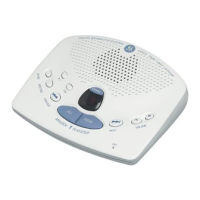
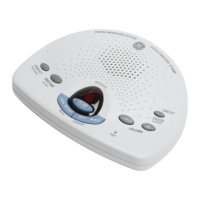
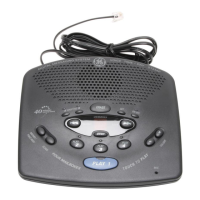
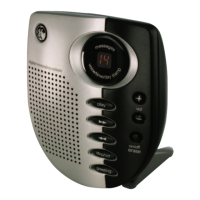
1. To review the greeting, press and release GREETING. The unit plays back your
greeting automatically.
2. To return to the answerer’s default greeting after you’ve recorded one, press
GREETING and release it when you hear the tone, or press and hold DELETE when
the greeting is playing.
This function allows you to change the Language, Time/Day, Rings to Answer,
message time and Security Code settings.
This setting allows you to set the answer in either English or in Spanish voice menu
mode. Once the language is set, all voice menu, including the ones used in Remote
access mode, will be switched to the selected language.
1. Press and hold the STOP/SET button for two seconds, then release to access the
set-up menu.
2. The answering machine announces, “For English, press NEXT, press SET to continue
(in English). Para espanol, oprima PREVIO, oprima PROGRAMAR para continuar (in
Spanish)”.
3. Press NEXT, answerer enters English voice menu mode. If PREVIOUS is pressed,
answerer enters Spanish voice menu mode. If SET is pressed, answerer remains
in the current language mode. In any case, the answerer enters to the TIME/DAY
menu.


 To Next Page
 Loading...