68 69
Date/Time
See “Setting the Date and Time“ section on page 19.
Language
See “Setting the Language“ section on page 20.
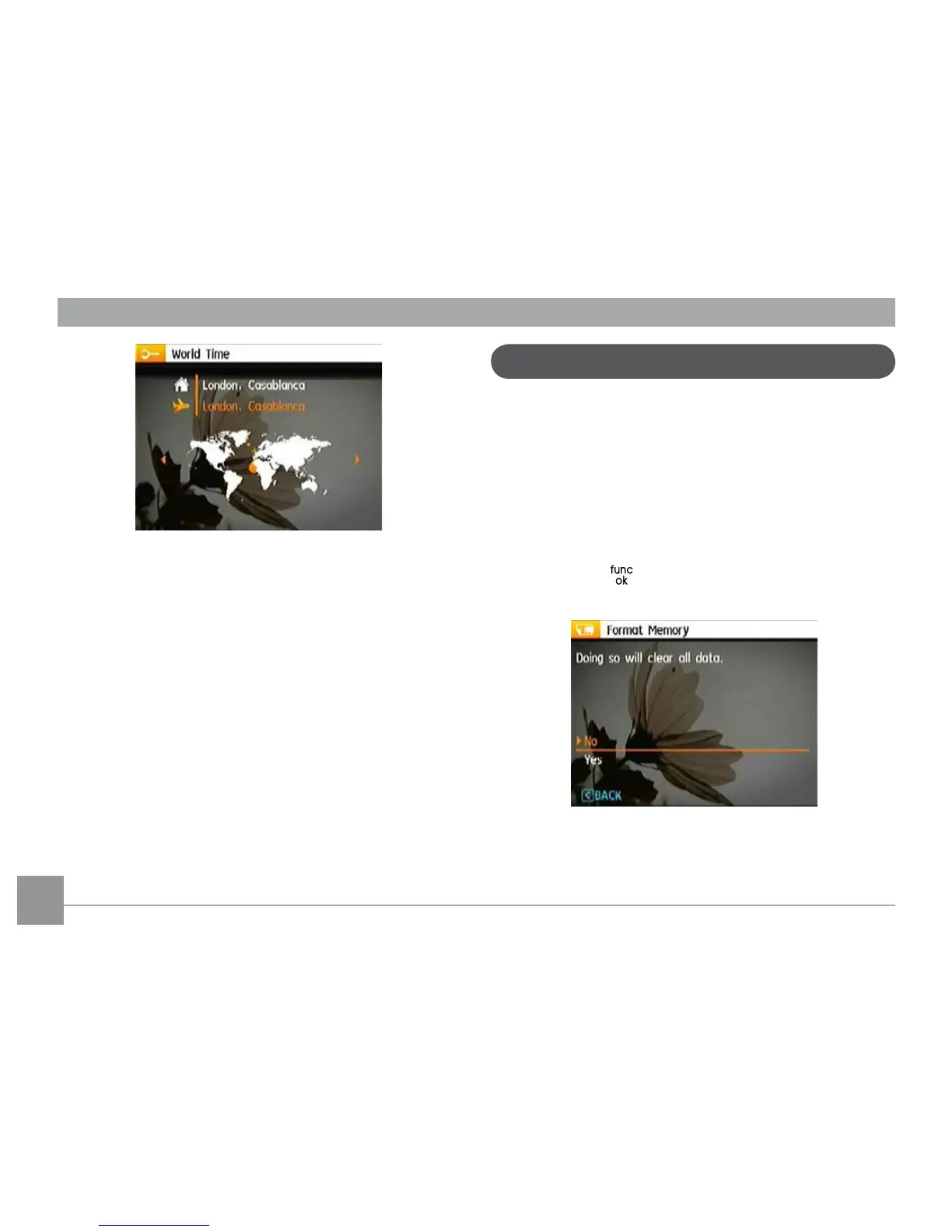
Format Memory
Please note: formatting enables you to delete all contents in
the memory card and built-in memory, including protected
photo and movie les.
To use this setting:
1. Select the Format in File and Software menu.
2. Use the Up/Down navigation buttons to select Yes or No,
and press the button to conrm.
3. The current media is formatted.
File and Software



 To Next Page