9
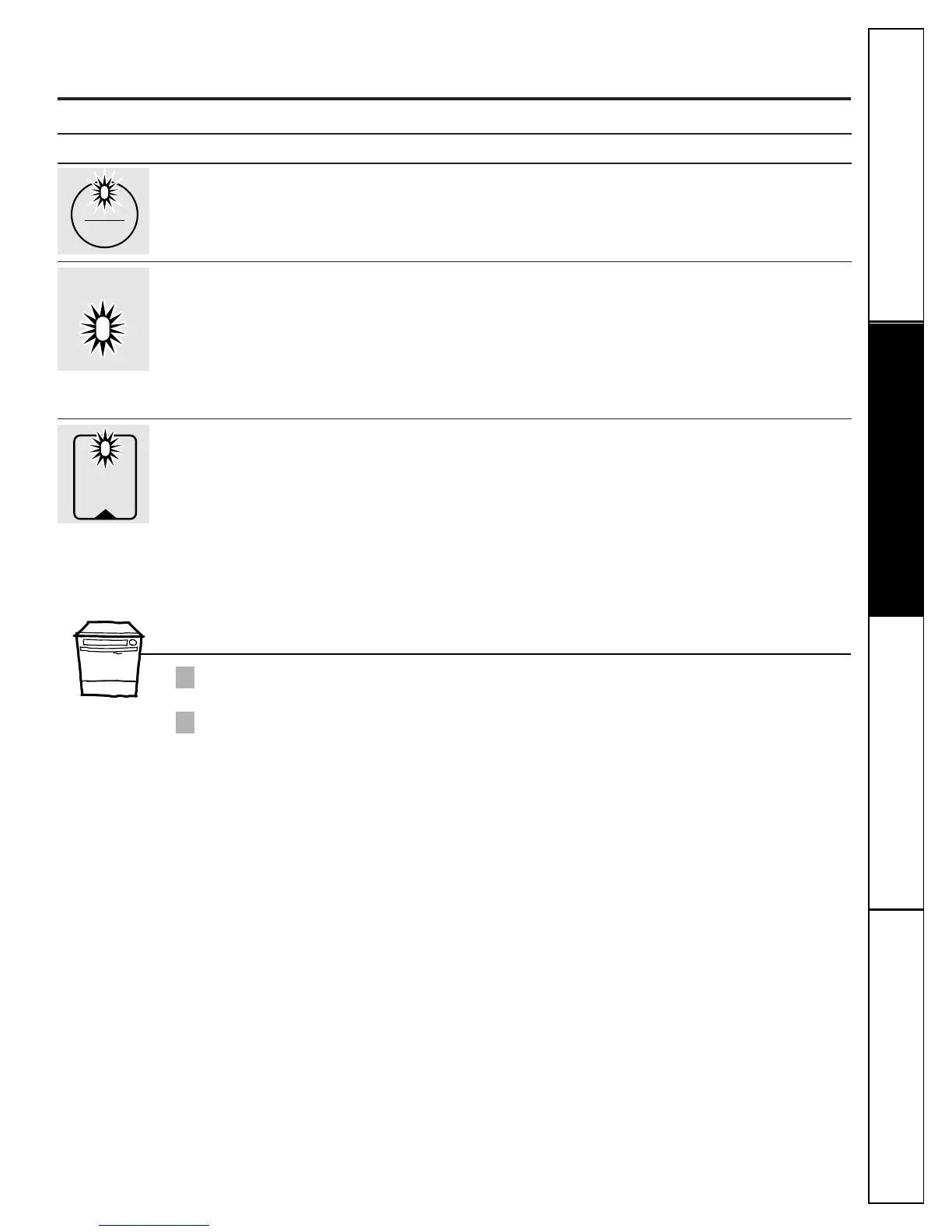
Flashing display lights (model GSD3900 only).
ge.com
Lights What It Means What To Do
This is normal. Allow the dishwasher to drain and reset before you start a new wash cycle.
The START/RESET pad
has been pressed.
Control Error Press the START/RESET pad to turn off the beeper. If the CLEAN light continues
to flash, call for service.
Control Error Press the START/RESET pad to turn off the beeper and the dishwasher will
attempt to reset. Then restart the wash cycle. If this error continues, call
for service.
PLUS A
BEEPING
SOUND
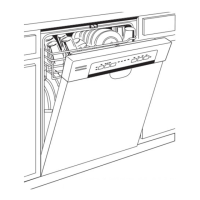
Using the Dishwasher Door (model GSD3900 only)
The door must be closed and locked into place to select a LOAD SELECTION or an OPTION.
If the door is opened during a cycle and left open, the dishwasher will beep once every minute until the door
is closed and latched into place.
2
1
Consumer SupportTroubleshooting TipsOperating InstructionsSafety Instructions



 To Next Page