22 2322 23
Fotografare in modalità Automatica
La modalità Automatica è la modalità più facile per
fotografare. Quando usa questa modalità, la fotocamera
ottimizza automaticamente le foto per avere i risultati migliori.
Fare come segue per iniziare a fotografare:
1. Premi il pulsante
per selezionare la modalità
Automatica (
).
2. Comporre l'immagine sullo schermo LCD e premere il tasto
otturatore a metà per mettere a fuoco il soggetto.
3. Il fuoco del fotogramma nel centro dell’LCD si accenderà di
verde quando il soggetto è correttamente a fuoco.
4. Premere completamente il tasto Otturatore
per acquisire
l’immagine.
Modalità Manuale
M
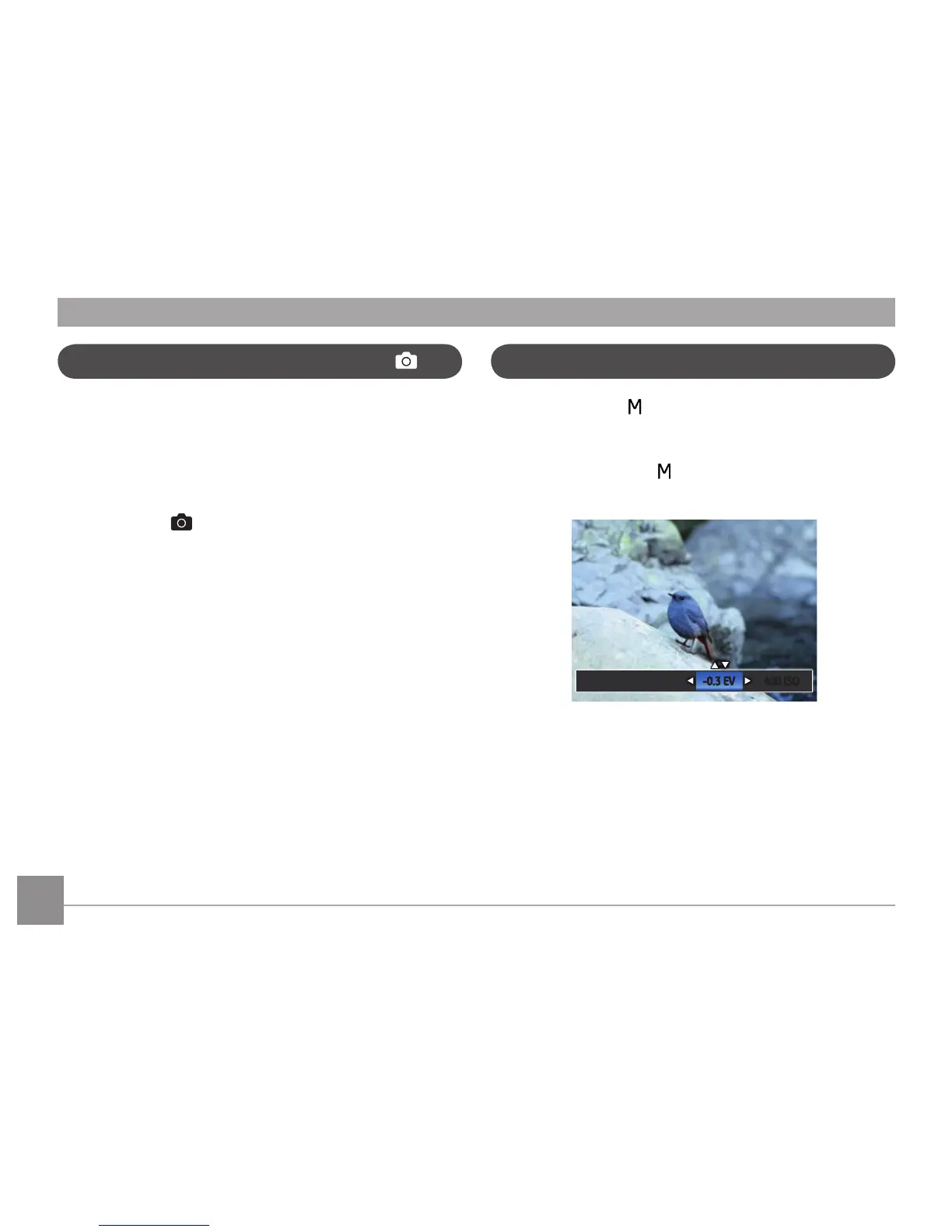
Quando si seleziona la modalità (Esposizione Manuale),
puoi impostare la / EV / ISO manualmente.
1. Premi il pulsante
per selezionare la modalità
Esposizione Manuale , e quindi premere
per confermare. Premere il pulsante Su / Giù
per regolare il parametro.
3. Premere il pulsante
per terminare le impostazioni ed
entrare nella schermata scatto.



 To Next Page
 Loading...













