3
Chapter 1: Setup and Connections
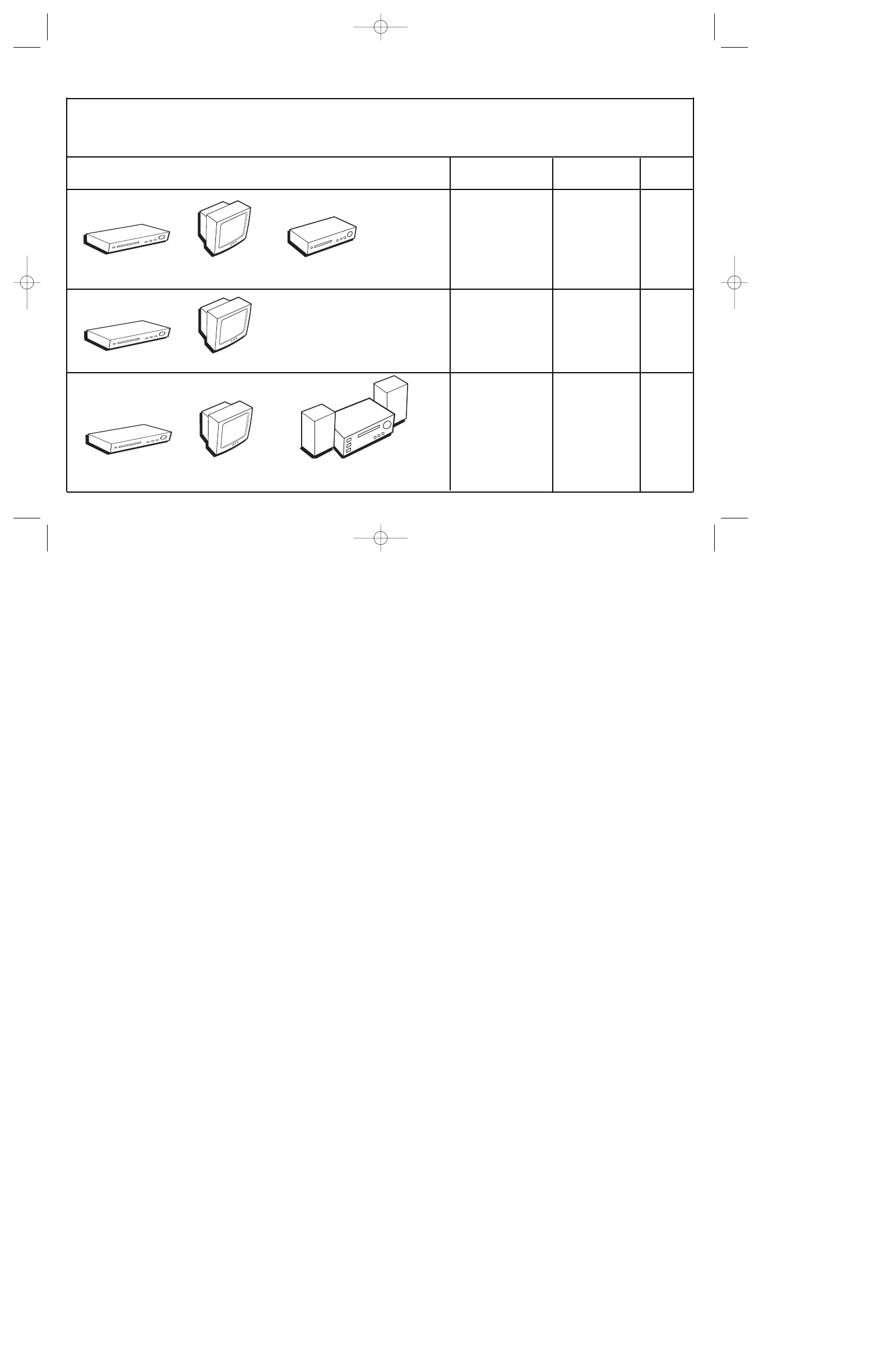
DVD TV VCR
DVD TV
DVD TV Audio Receiver
Choose Your Connection
There are several ways to connect your DVD player. Please use the following chart to determine which connection is best
for you. Turn to the appropriate page, and connect your DVD Player.
Components Cables Needed Connection Go to...
Title
• Coaxial DVD + TV + VCR 4
• Audio/video
• S-Video (optional)
• Coaxial DVD + TV 5
• Audio/video
• S-Video (optional)
• Coaxial DVD + TV + 6
• Audio/video Audio Receiver
• S-Video (optional)
IB/100N/GE/4_9 4/12/02 10:17 AM Page 3



 To Next Page