36 3736 37
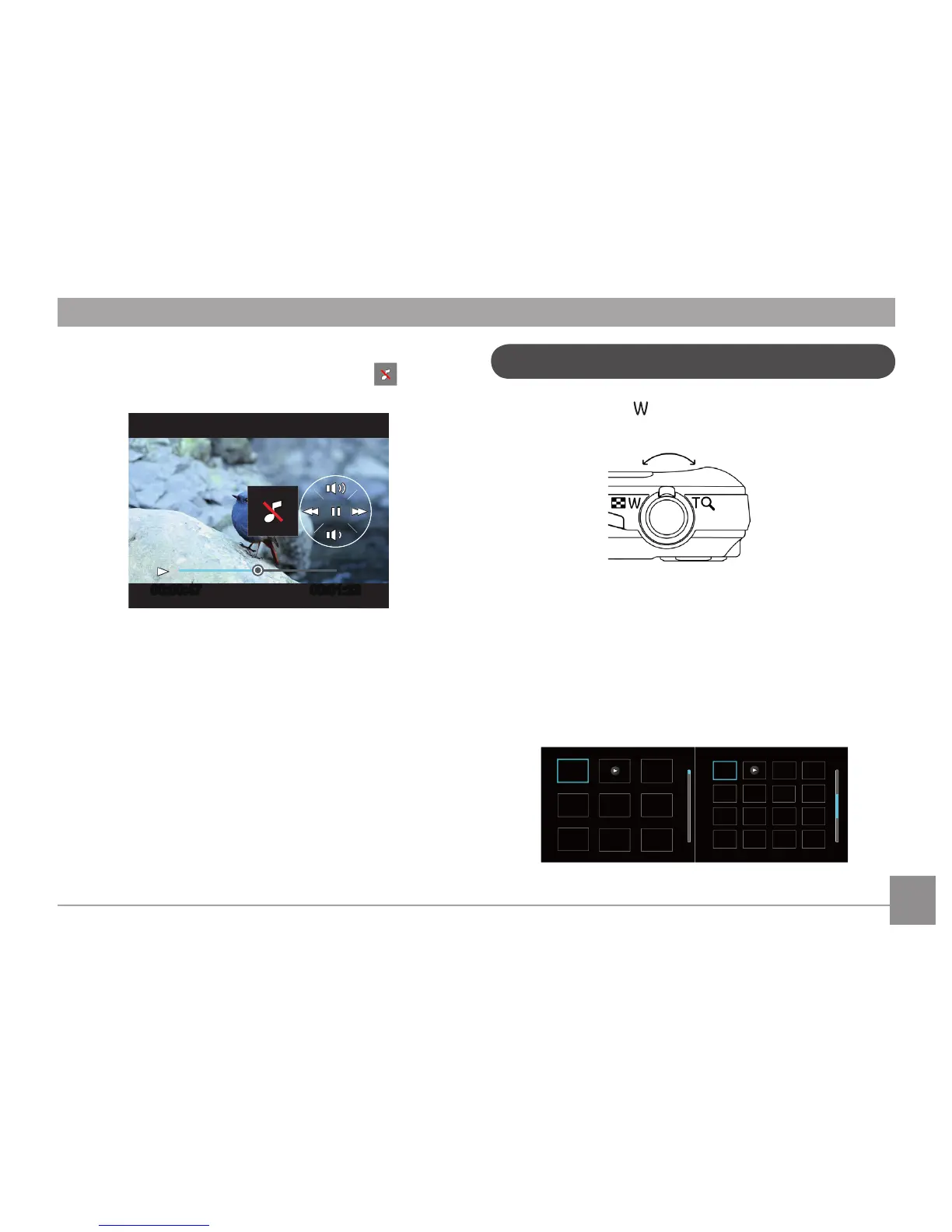
Ved afspilning af lm, tryk på Op / Ned piletasten for at
indstille playback-volumen , indstil på 'mute' som .
I Afspilning, tryk på på zoom-knappen en gang for at vise
billeder og videoklip i miniaturevisning på skærmen.
T zoom ud
W zoom ind
1. Brug Zoom-knappen til at skifte mellem 3x3, og 4x4 og
Datomappe Miniature visning.
2. Ved visning af 3x3 og 4x4, brug Op/Ned/Venstre/Højre
knappen for at vælge det billede eller videoklip, du vil
se. Ved Datomappe, brug Op/Ned knappen for at vælge
datomappe.
Miniaturevisning



 To Next Page
 Loading...











