10 11
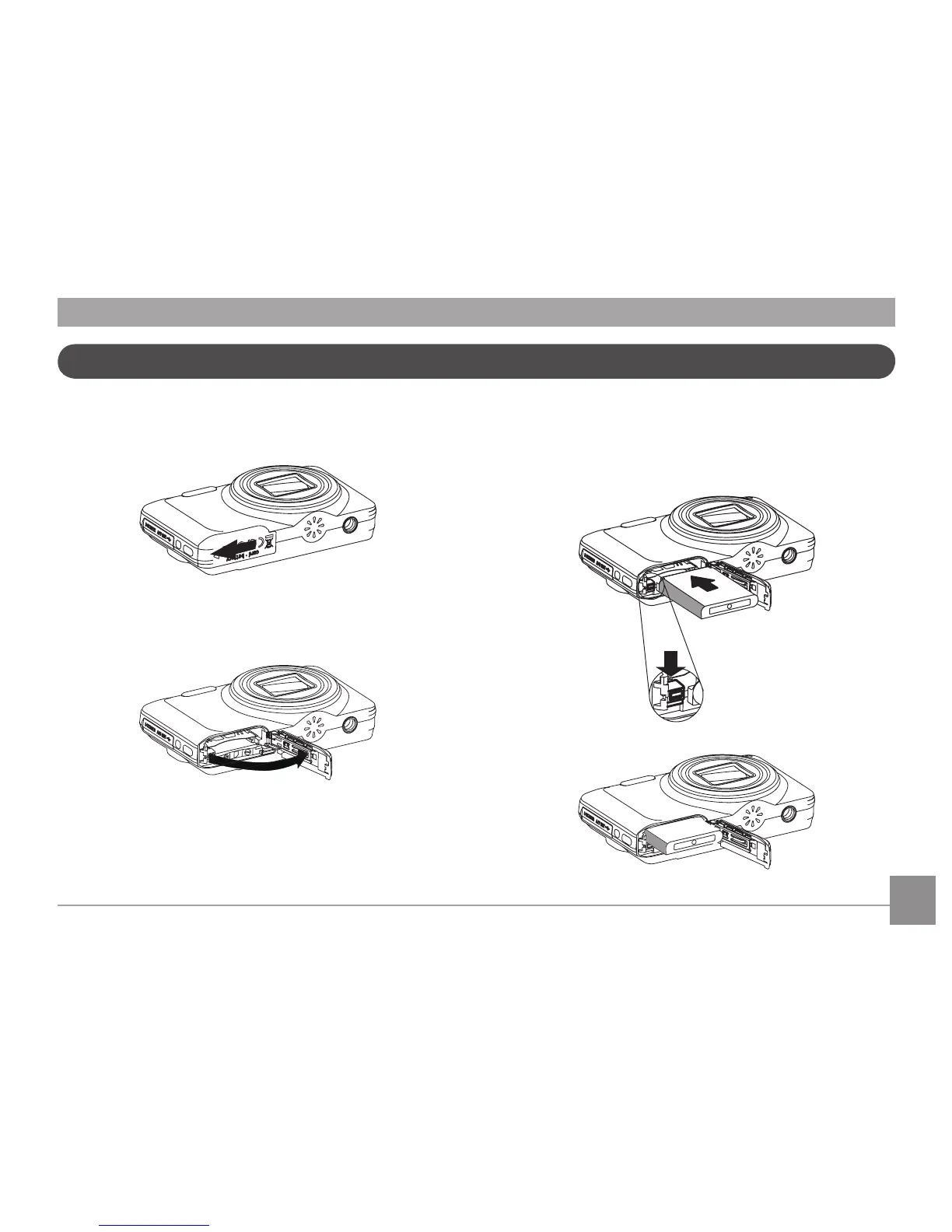
Insérez la batterie et la carte SD / SDHC / SDXC (non incluse)
1. Ouvrez le compartiment de la batterie. 2. Placez la batterie dans la fente de la batterie en respectant
l'orientation indiquée sur le schéma. Utilisez le côté de
la batterie pour appuyer sur le butoir comme aché, en
laissant la batterie se verrouiller correctement.



 To Next Page
 Loading...











