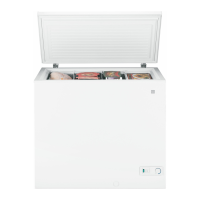
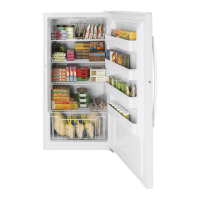
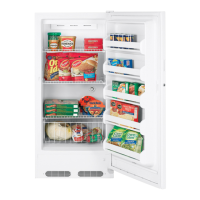
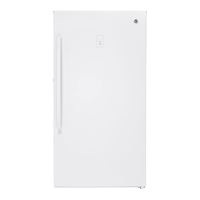
About the operation of your freezer.
Starting the Freezer
1
Clean the inside of the freezer with a mild solution of baking soda and water (see Care and Cleaning).
2
Connect cord to power outlet.
3
Make sure the temperature control is set at 4.
4
Allow freezer to operate for at least four hours before placing food inside.
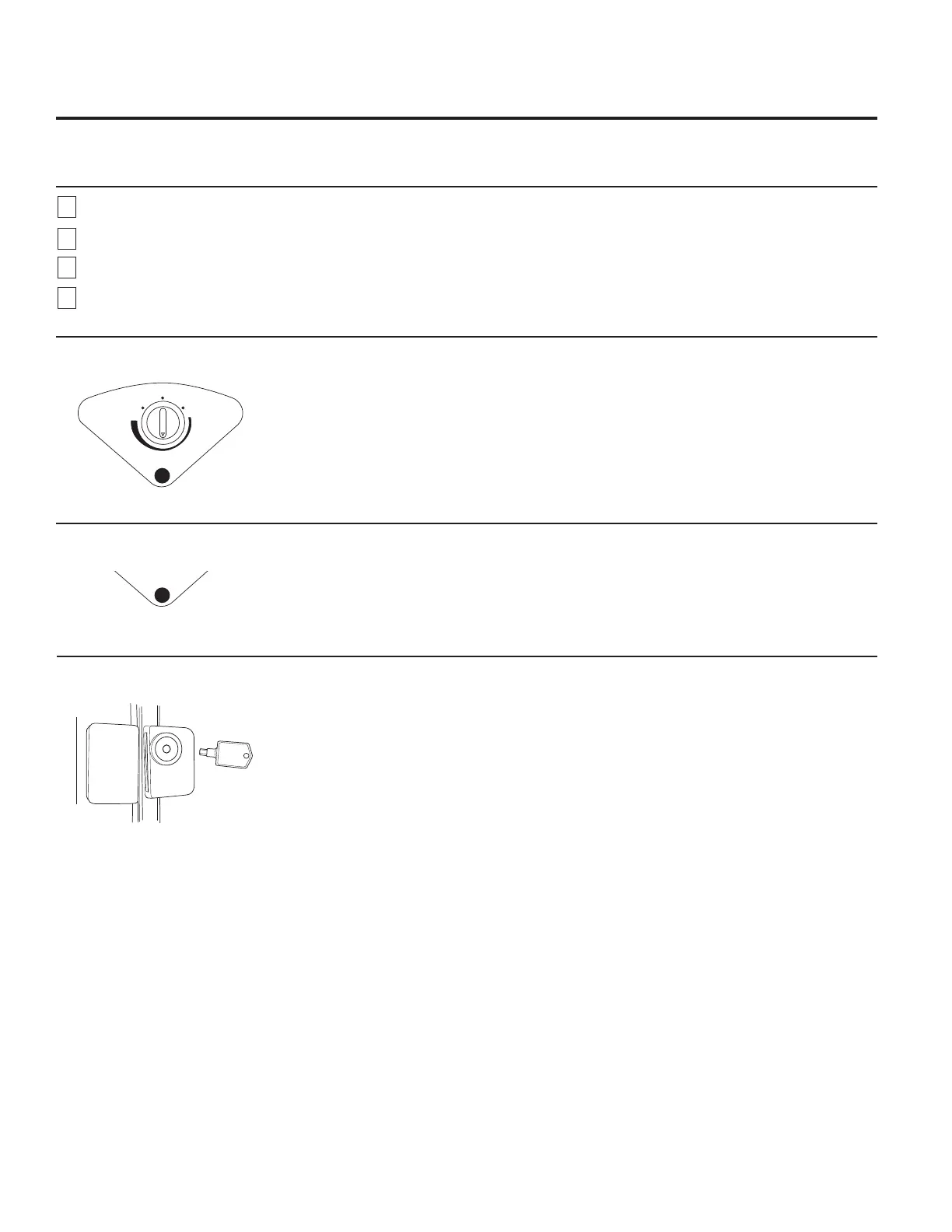
Temperature Control
Freezing temperature selection is made by
setting the control from 1 to 7 (coldest).
If you want colder or warmer temperatures,
adjust the control one step at a time.
Allow several hours after each one-step
adjustment for the freezer temperature to
stabilize.
Turning the control to the OFF position stops
the cooling process but does not shut off power
to the freezer.
4
Key-Ejecting Lock (on some models)
The key for the spring-loaded lock is
DXWRPDWLFDOO\HMHFWHG³NH\ZLOOQRWUHPDLQLQ
lock in either the open or closed position.
To prevent a child from being entrapped, keep
the key out of reach of children and away from
the freezer.
Power-On Light (on some models)
The Power-On Light indicates that the freezer is
properly connected to the electrical power.
The light glows even when the temperature
control is turned off.
OFF
MIN
POWER
MAX
POWER


 To Next Page