Safety InstructionsOperating InstructionsTroubleshooting TipsConsumer Support
About the other features.
28
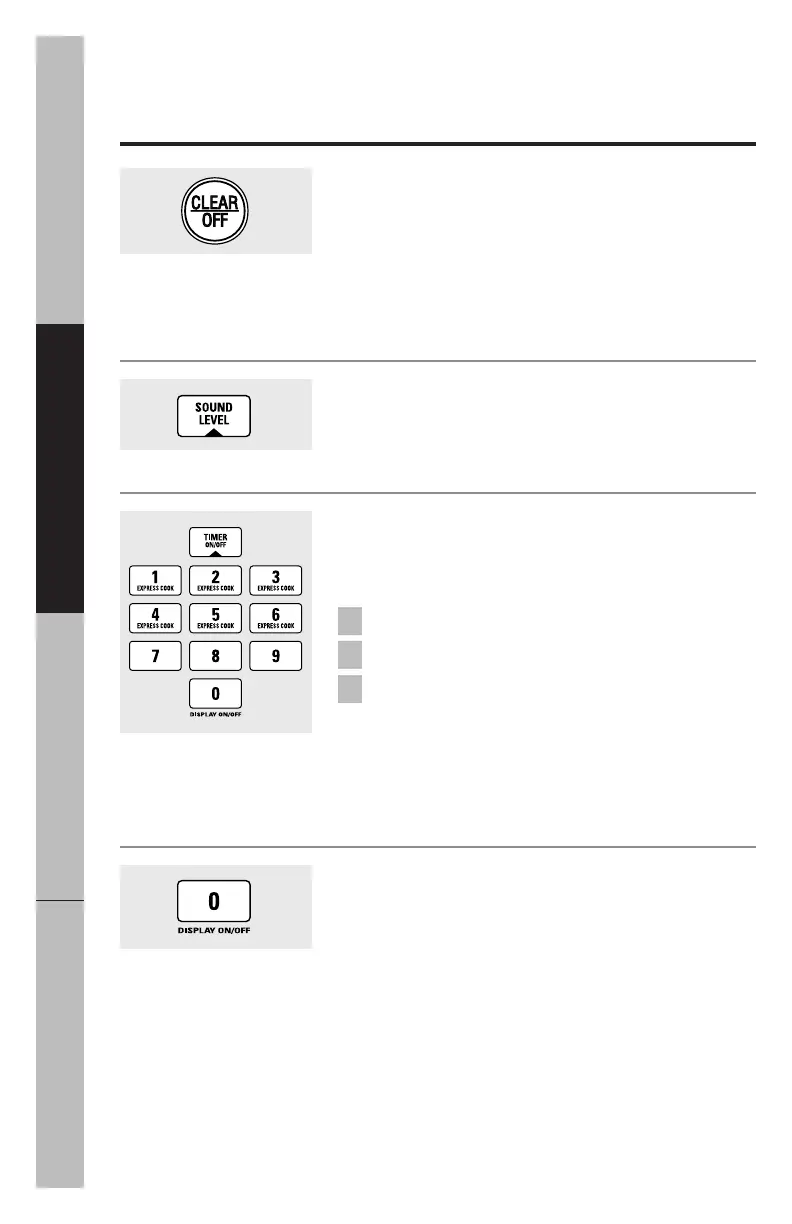
Timer On/Off
Timer On/Off
operates as a minute timer and can be
used at any time, even when the oven is operating.
Press
TIMER ON/OFF.
Enter time you want to count down.
Press
TIMER ON/OFF
to start.
When time is up, the oven will signal. To turn off the
timer signal, press
TIMER ON/OFF.
NOTE: The timer indicator will be lit while the timer is
operating.
3
2
1
Child Lock-Out
You may lock the control panel to prevent the microwave
from being accidentally started or used by children.
To lock or unlock the controls, press and hold
CLEAR/OFF
for about three seconds. When the control panel is
locked, an
L
will be displayed to the extreme right.
Sound Level
The beeper sound level can be adjusted. Press
SOUND
LEVEL.
Choose 0–3 for mute to loud.
Display On/Off
To turn the clock display on or off, press and hold
0
for
about 3 seconds. The
Display On/Off
feature cannot be
used while a cooking feature is in use.



 To Next Page