Consumer Support Troubleshooting Tips Installation Instructions Care and Cleaning Operating Instructions Safety Instructions
6
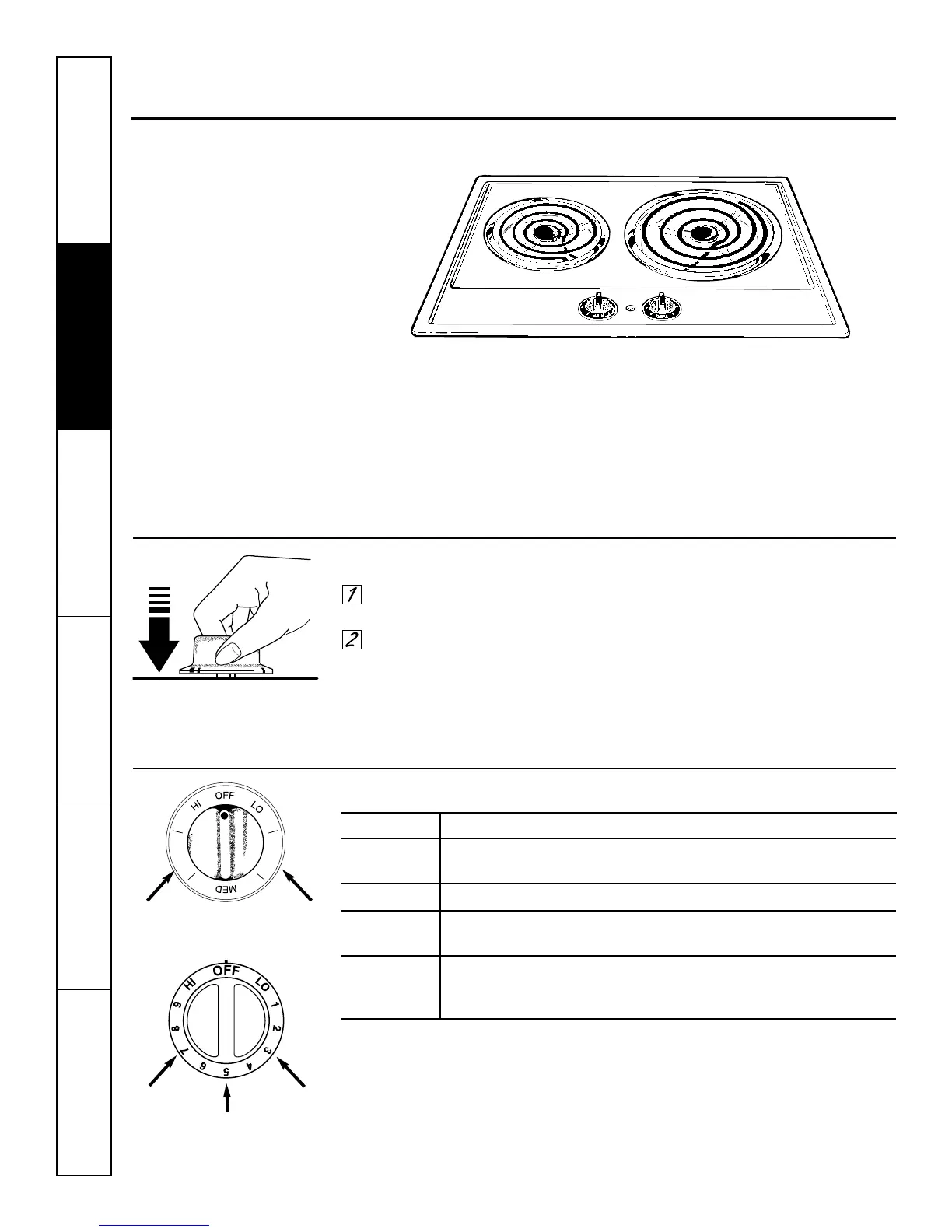
Using the cooktop.
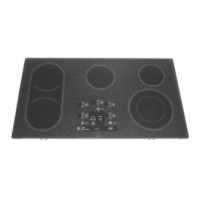
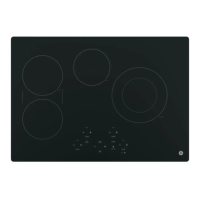
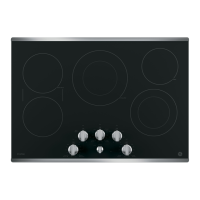
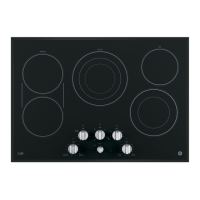
Throughout this manual, features and appearance may vary from your model.
Cooktop Controls
Your surface units and controls are
designed to give you an infinite choice of
heat settings for surface unit cooking.
At both OFF and HI the control clicks into
position.
When cooking in a quiet kitchen, you may
hear slight clicking sounds—an indication
that the heat settings you selected are
being maintained.
Switching heats to higher settings
always results in a quicker change than
switching to lower settings.
How to Set the Controls
Grasp the control knob and push
down.
Turn the knob to the desired heat
setting.
The control must be pushed in to set only
from the OFF position. When the control is
in any position other than OFF, it may be
rotated without pushing in.
Be sure you turn the control knob
to OFF when you finish cooking.
An indicator light will glow when a surface
unit is on.
Heat Setting Guide
HI Quick start for cooking; bring water to boil.
Medium High, (Setting halfway between HI and MED)
7–9 Maintains a fast boil on large amounts of food.
MED, 4–6 Sauté and brown; keeps food at medium boil or simmer.
Medium Low, (Setting halfway between MED and LO)
1–3 Cook after starting at HI; cooks with little water in a covered pan.
LO Steam rice, cereal; maintains serving temperature of foods. Slow
cooking and simmering. At LO settings, melt chocolate and butter
on a small surface unit.
NOTE: At HI or Medium High (7–9) never leave food unattended. Boilovers cause smoking;
greasy spillovers may catch fire.
Medium
high
Medium
low
Medium
Medium
high
Medium
low
(On some models)
(On some models)



 To Next Page