7
Safety Instructions Operating Instructions Care and Cleaning Troubleshooting Tips Consumer Support
Using the clock and timer.
www.GEAppliances.com
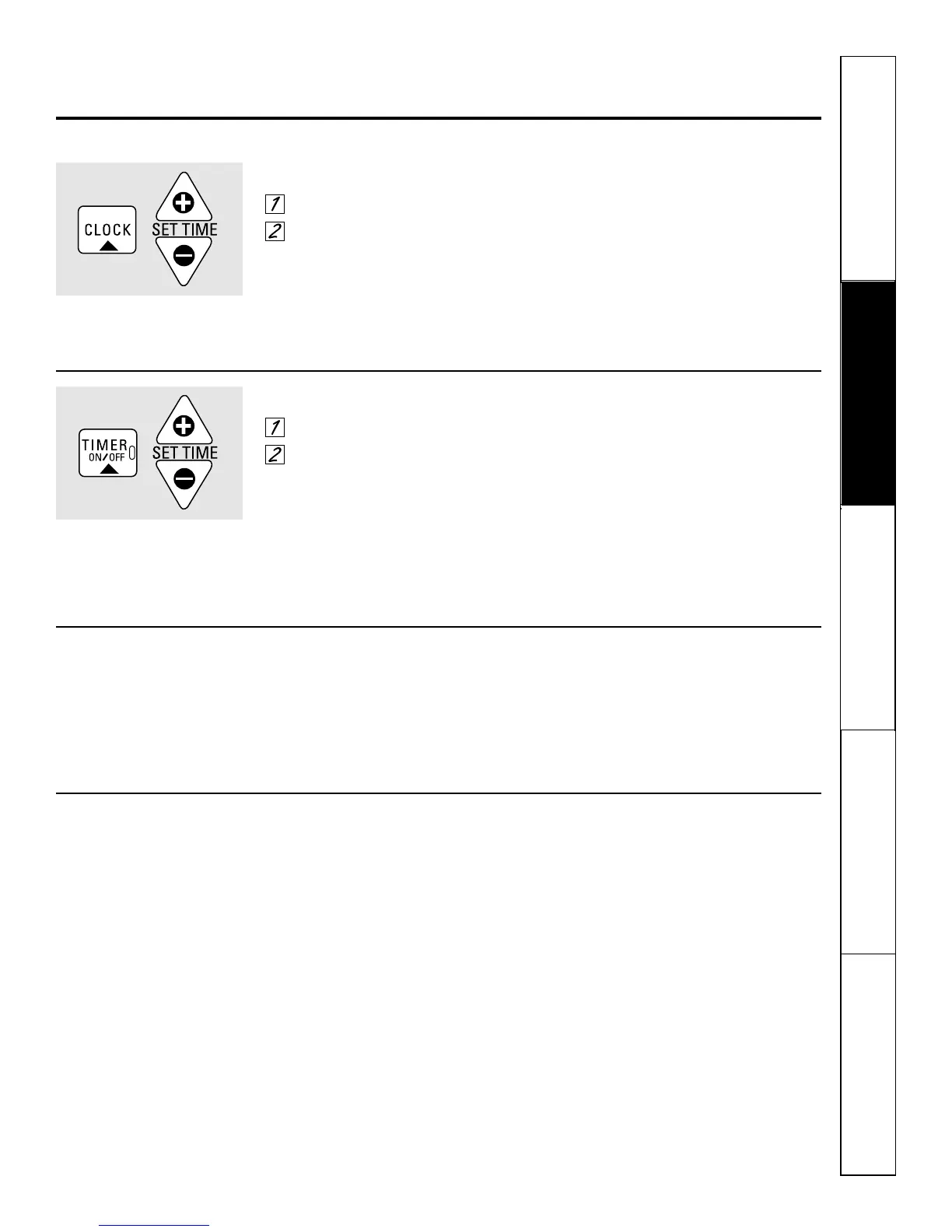
To Set the Clock:
Press the
CLOCK
pad.
Press the
SET TIME +/-
pads.
Make sure the clock is set to the
correct time of day.
To Set the Timer:
Press the
TIMER ON/OFF
pad.
Press the
SET TIME +/-
pads until
the amount of time you want shows
in the display. The timer will start
automatically within a few seconds
of releasing the pad.
The end of cycle tone will sound when
the timer countdown is complete. To stop
the tone, press the
TIMER ON/OFF
pad or
CLOCK
pad.
The timer is a minute timer only.
The timer does not control oven
operations. You can set the timer
for up to 9 hours and 50 minutes.
To Reset the Timer:
If the display is still showing the time
remaining, you may change it by pressing
the
SET TIME +/-
pads until the time you
want appears in the display.
If the remaining time is not in the
display, recall the remaining time by
pressing the
TIMER ON/OFF
pad and then
pressing the
SET TIME +/-
pads until the
new time you want shows in the display.
To Cancel the Timer:
If the display is still showing the time
remaining, press the
TIMER ON/OFF
pad.
The display will return to the time of day.
If the remaining time is not in the
display, recall the remaining time by
pressing the
TIMER ON/OFF
pad. Press
the
TIMER ON/OFF
pad again; the display
will return to the time of day.



 To Next Page