Lamp Replacement
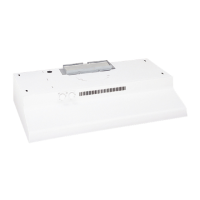
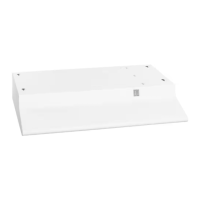
Model JV346 has a lamp cover.
The lamp cover need not be removed for lamp removal
or installation.
Remove the lamp and replace with an ordinary screw-
base lamp bulb NOT MORE THAN 60 WATTS.
To remove the lamp cover, if desired:
• Press the sides with 2 fingers until the side prongs
are released.
• Lift the lamp cover and slide towards you in one
motion.
To replace the lamp cover:
• Insert the prong located at the end of the cover into
the top opening.
• Gently push the cover up and press the sides to fit
the side prongs into the side openings.
• Release and the cover will lock in position.
CAUTION: Let the lamp cool completely before
removing. A warm or hot bulb may break if
touched with a moist cloth or hand.
9



 To Next Page