Advantium Quick Start
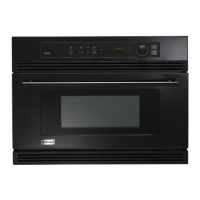
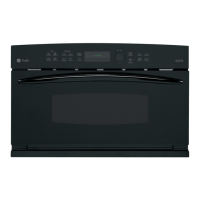
Advantium Oven
Set the clock
When you first plug in the oven or
after a power outage:
1. Turn the selector dial to set
the hour. Press the dial to enter.
2. Turn the dial to set the minute.
Press the dial to entre:
3. Turn the dial to select AM or PM.
Press the dial to entre:
To change the time:
1. Press the OPTIONS button.
2. Turn the dial to CLOCK. Press the
dial to enter and follow the display
directions to set.
@eedcooking
_) -_)(-)c---)
@ _@@@1
Step h
Press the SPEEDCOOK button.
Step 2:
Turn the dial to select the type of food
category you want. Press the dial to
enter it.
Step 3:
Turn the dial to select the specific food.
Press the dial to enter it.
Step 4:
Turn the dial to select the amount, size
and/or doneness (if required, the oven
will prompt you). Press the dial after
each selection.
Step 5:
Once the display shows ADJUS'T TIME
OR $7_R7, either press the dial or start
button to start cooking.
• Press CLEAR/OFF at any time to
stop cooking.
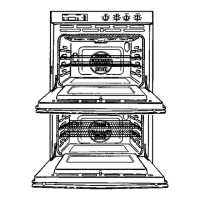
77ze oven rack (turntuble)
m_sl always be in place
when using the oven.
Put fl_od direc@ on the black
melal tray to _peedcook.
As a great @tion, put food
direetl) on ttu' black grill tray
to _peedcook joods you wouhl
normally cock on the _ill.
Microwaving with
Micro Express
10
Press MICRO EXPRESS repeatedly
tor 30 second increments of microwave
cooking time.
The oven starts immediately.
77to oven rack (turntable)
must always be in phue
w¢um using t]le o_*en.
77_e white ceramic tray
stun&l always be in place
whtm microwaving.





 To Next Page