Special Features
Wall Oven
12-hour,
2/4-hour
or clock
blackout
Your control isset to use a !2-hour clock. Ifyou
would prefer to have a 24-hour military time clock
or black out the clock display, follow the steps
below.
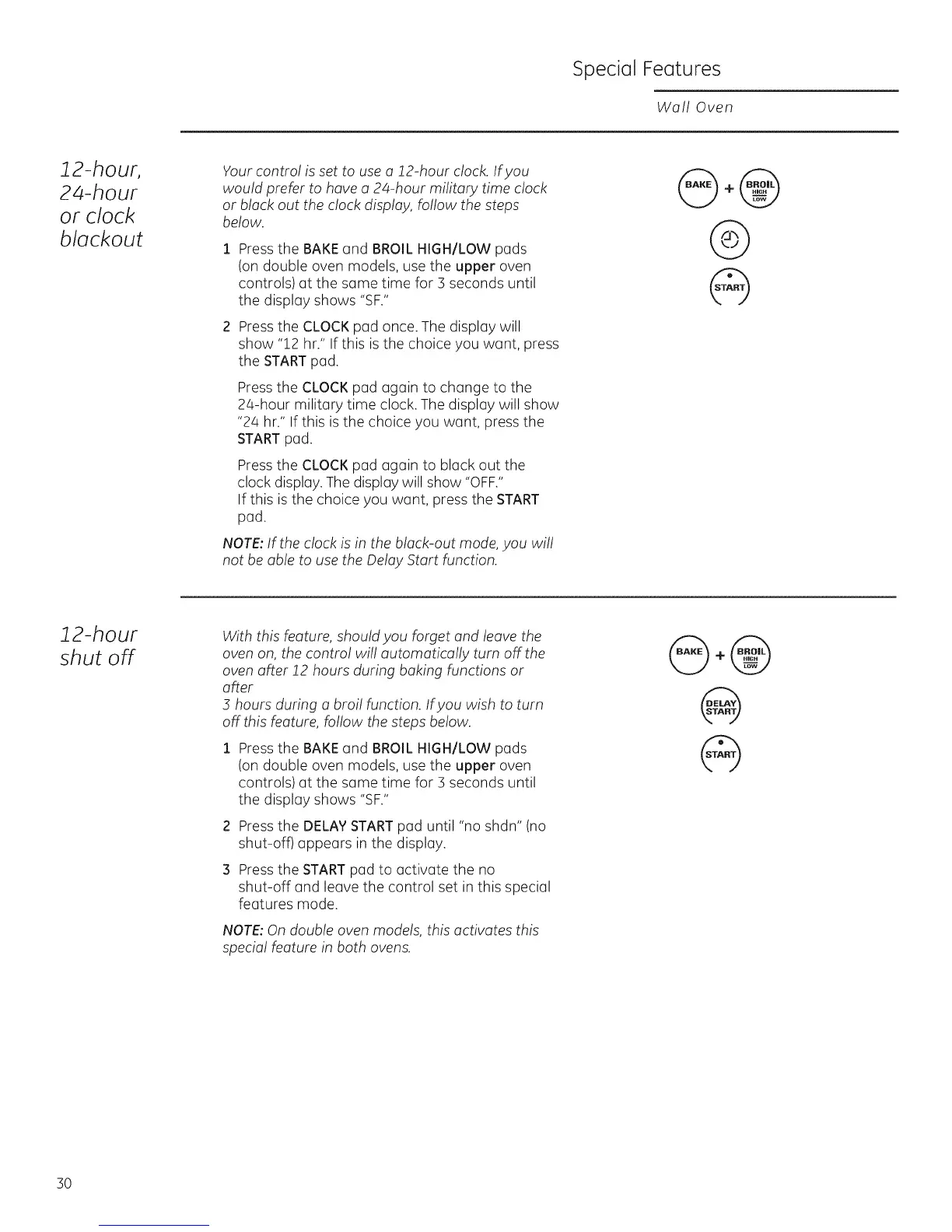
Pressthe BAKEand BROIL HIGH/LOW pads
(on double oven models, use the upper oven
controls) at the same time for 3 seconds until
the display shows "SF."
Press the CLOCK pad once. The display will
show "12 hr." If this is the choice you want, press
the START pad.
Pressthe CLOCKpad again to change to the
24-hour military time clock. The display will show
"24 hr." If this is the choice you want, press the
STARTpad.
Pressthe CLOCKpad again to black out the
clock display. The display will show "OFF."
If this is the choice you want, press the START
pad.
NOTE:If the clock is in the black-out mode, you will
not be able to use the Delay Start function.
@+@
@
@
12-hour
shut off
With this feature, should you forget and leave the
oven on, the control will automatically turn off the
oven after !2 hours during baking functions or
after
5 hours during a broil function. Ifyou wish to turn
off this feature, follow the steps below.
Pressthe BAKEand BROIL HIGH/LOW pads
(on double oven models, use the upper oven
controls) at the same time for 3 seconds until
the display shows "SF."
Pressthe DELAYSTARTpad until "no shdn" (no
shut-off) appears in the display.
Pressthe START pad to activate the no
shut-off and leave the control set in this special
features mode.
NOTE:On double oven models, this activates this
special feature in both ovens.
@+@
@
@
30







 To Next Page