Upon installation and after an extended power outage. See the
Program Memory
section.
NOTES:
■ When the transformer is plugged into the electrical outlet
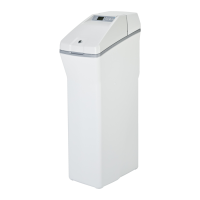
12:00 AM is flashing and
PRESENT TIME
shows in the display
area. Program the timer as instructed below. If
PL- -
is flashing,
see the
Model Code
section.
■ A “beeper” sounds while pressing buttons for timer
programming. One beep signals a change in the timer display.
Repeated beeps mean the timer will not accept a change from
the button you have pressed and you should use another button.
■ To set the timer, you will use the UP, DOWN and SET buttons.
Customer ServiceTroubleshooting TipsOperating InstructionsSafety Information
9


 To Next Page
 Loading...