Convenience Features
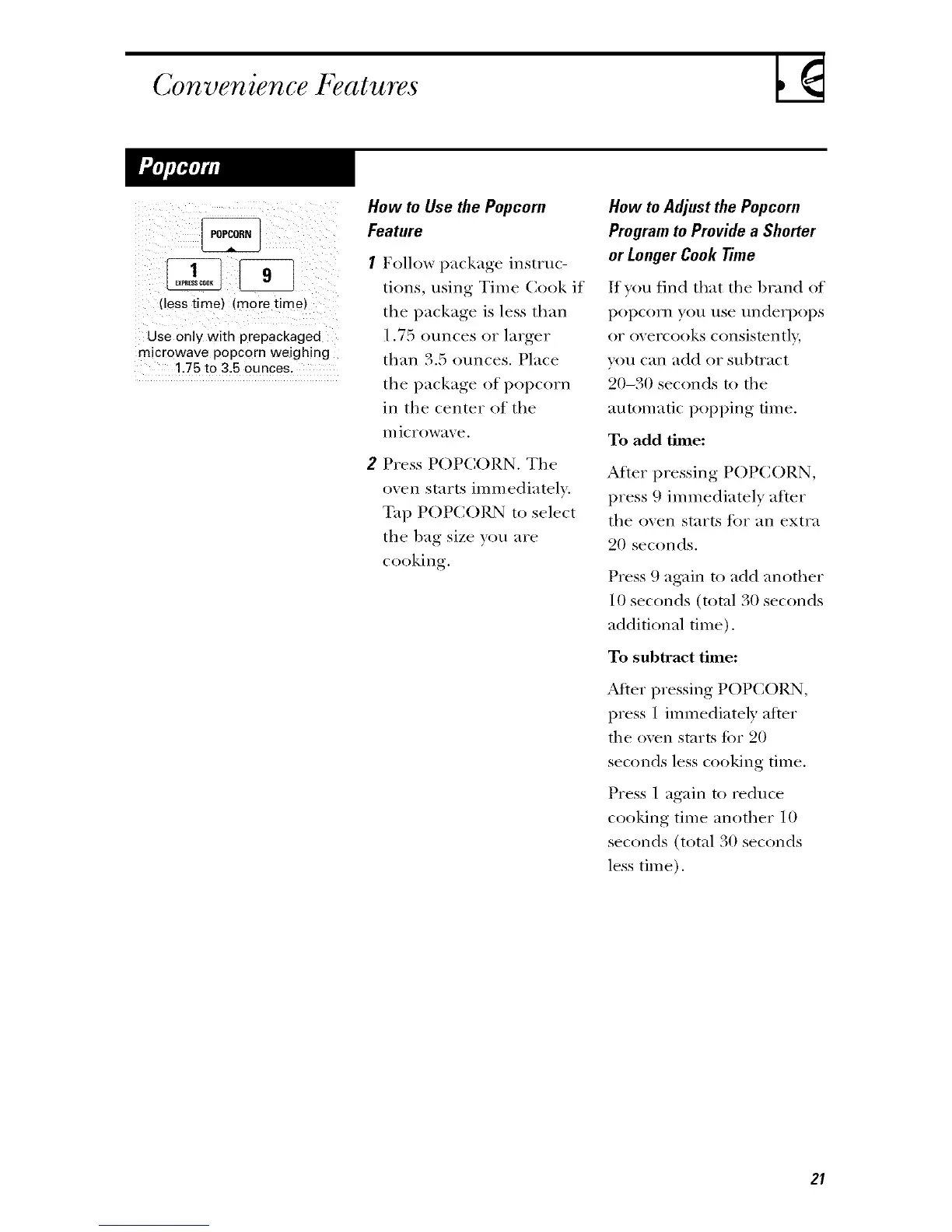
(less time) (more time}
Use only with prepackaged
microwave popcorn weighing
125 to 3,5 ounces.
How to Use the Popcorn
Feature
Follow package instruc-
tions, using Time Cook if
the package is less than
1.7:5 ounces or larger
than 3.:5 ounces. Place
the package of popcorn
in the center of the
Ill ic rowave.
2 Press POPCORN. The
oven starts immediately.
Tap POPCORN to select
the llag size ','(:,/;Iare
cooking.
How to Adjust the Popcorn
Program to Provide a Shorter
or Longer Cook Time
If yon lind that the Ill.rod of
popcorn yon nse underi)ops
or overcooks consistentl B
yon can add or subtract
20-30 seconds to the
automatic popi)ing time.
To add time:
After pressing POPCORN,
press 9 immediately after
the oven starts lot an extra
20 seconds.
Press 9 again to add another
10 seconds (total 30 seconds
additional time).
To subtract thne:
,Mter pressing POPCOllN,
press 1 immediately after
tile oven starts fi)r 20
seconds less cooking time.
Press 1 again to reduce
cooking time another 10
seconds (total 30 seconds
less time).
2I



 To Next Page
 Loading...