Graphics contained within this publication are for representation only.
Chapter 1 1
Chapter 1: Getting Started
Setup and Connection
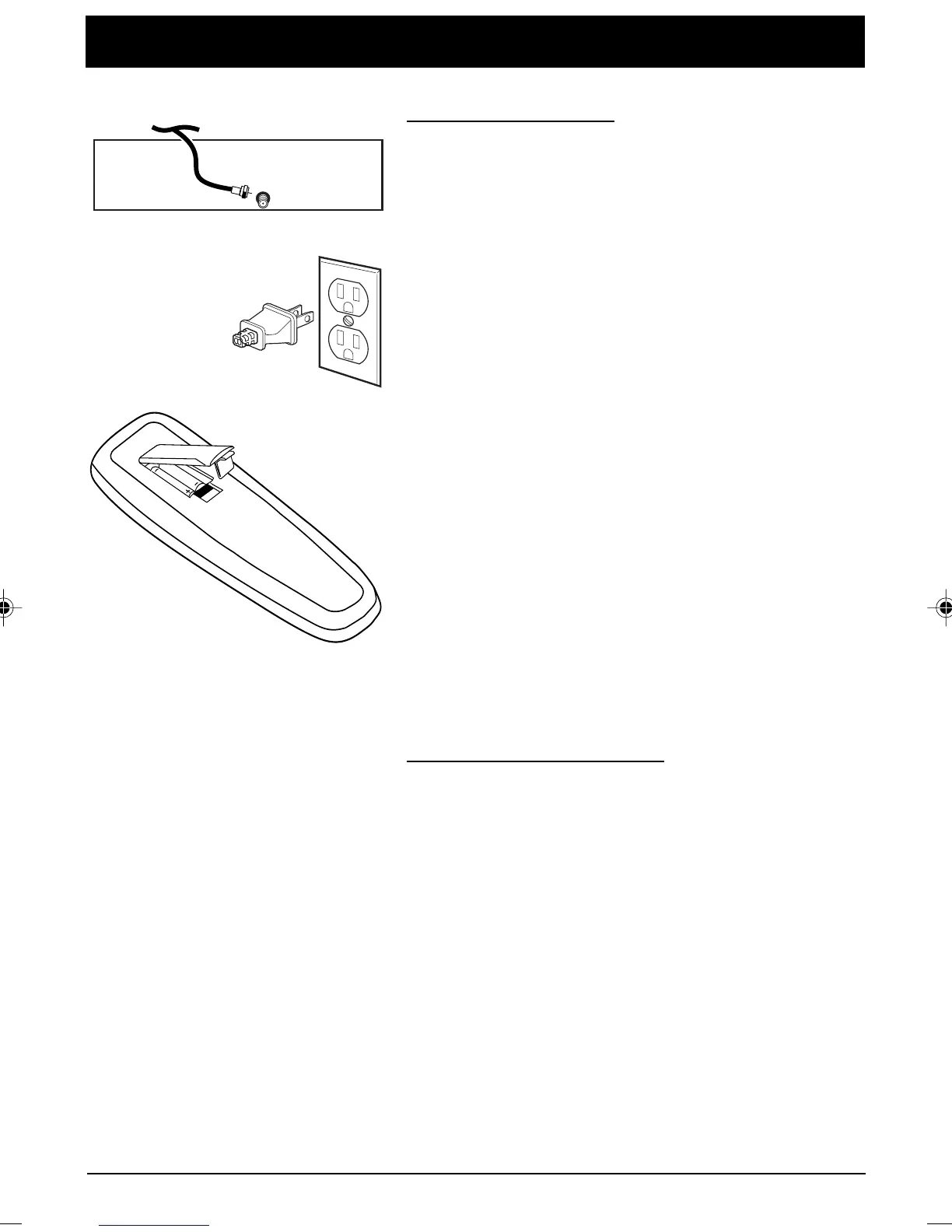
Step 1: Connect Your TV
Connect the cable from your cable system or off-air antenna
to the cable in-jack on the back of the TV, as shown.
Step 2: Plug In Your TV
Plug the end of the power cord into the wall outlet,
matching the wide blade of the plug with the wide slot in
the outlet. Be sure to insert the plug completely.
Step 3: Put Batteries in the Remote Control
1. Remove the battery compartment cover
from the back of the remote.
2. Insert batteries as shown, matching the + and – ends of
each battery in the compartment.
3. Replace the cover.
Step 4: Turn on the TV
Press the POWER button on the remote or POWER on the
front panel.
Step 5: Auto Channel Search
Perform an Auto Channel Search (described in the Channel
menu section).
Dipole Antenna Connection
Follow the steps to connect the indoor antenna supplied with
your TV (only if you do not connect an outdoor antenna or a
cable-TV system).
TV (Back Panel)
CABLE/
ANTENNA
ANTENNA, CABLE, CABLE BOX OR VCR
Continues on next page...
1558179B.01-Get Started 11/11/03, 4:31 PM1



 To Next Page