EasyManua.ls Logo

Geekpure RO5-PP10 - User Manual

Geekpure RO5-PP10
12 pages
Print Icon
To Next Page IconTo Next Page
Loading...
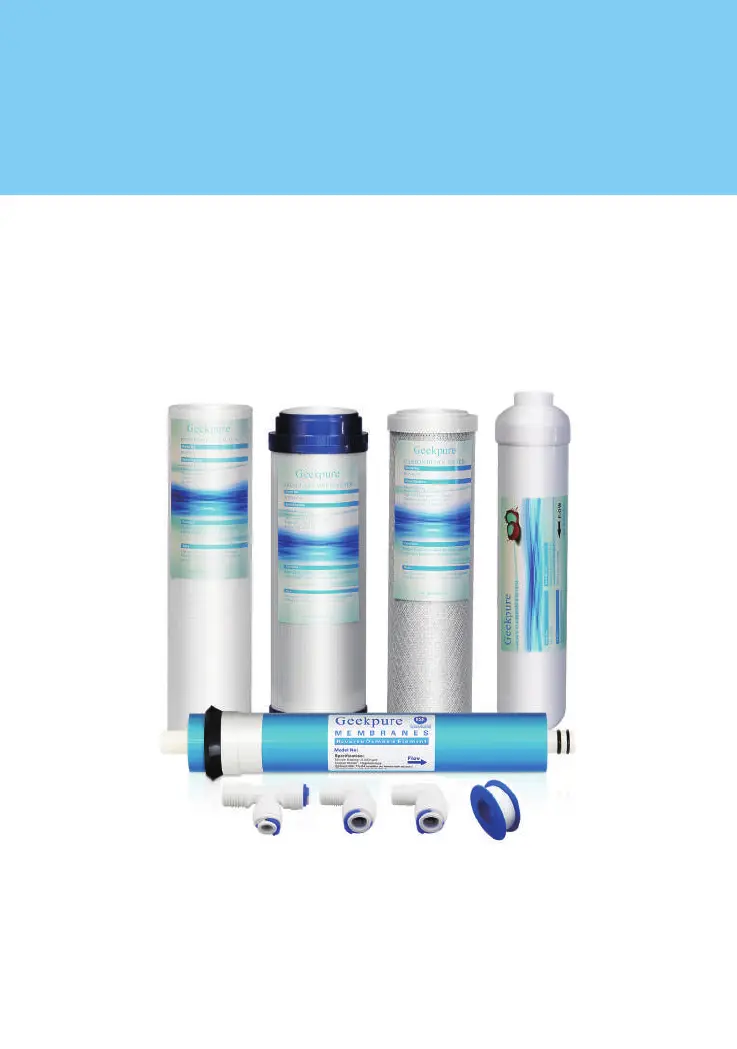
FILTER CARTRIDGE CONFIGURATION MAY BE SUBJECT TO CHANGE.
Geekpure
RO Filters Replacement and Maintenance Manual

Questions and Answers

Summary

How Filters Works

Recommended Filter Change Schedule

Before You Start

Tools Needed

What is in the Box

Filter Cartridges and Membrane Replacement

Preparation before replacement

Steps and visual guides for preparing the system before replacing filter cartridges and the RO membrane.

Pre-Filters replacement

Instructions and visual aids for replacing the pre-filter cartridges in the RO system.

RO membrane replacement

Detailed steps and diagram for removing and installing the RO membrane.

Post carbon filter replacement

Procedure for replacing the post-carbon filter in the RO system.

Installing Tubing Into Fittings

Installation tips for tube and quick connect fittings

Installing Tubing Connections

Flush System and Check Operation

Trouble Shooting

Warranty

Geekpure RO5-PP10 Specifications

General IconGeneral
Stages of Filtration5
Warranty1 Year Limited Warranty
Filtration MethodReverse Osmosis
Min Inlet Water Pressure40 PSI
Storage Tank Capacity3.2 Gallons
Installation TypeUnder Sink
Product TypeReverse Osmosis System
Filter TypesSediment, GAC, Carbon Block, RO Membrane, Post Carbon Filter
Membrane TypeRO Membrane
Water Production Rate75 GPD
Pre-Filter TypePP sediment
RO Membrane75 GPD
Post-Filter TypePost Carbon Filter

Related product manuals