EasyManua.ls Logo

GeekTek sonic boombox - User Manual

GeekTek sonic boombox
8 pages
Print Icon
To Next Page IconTo Next Page
Loading...
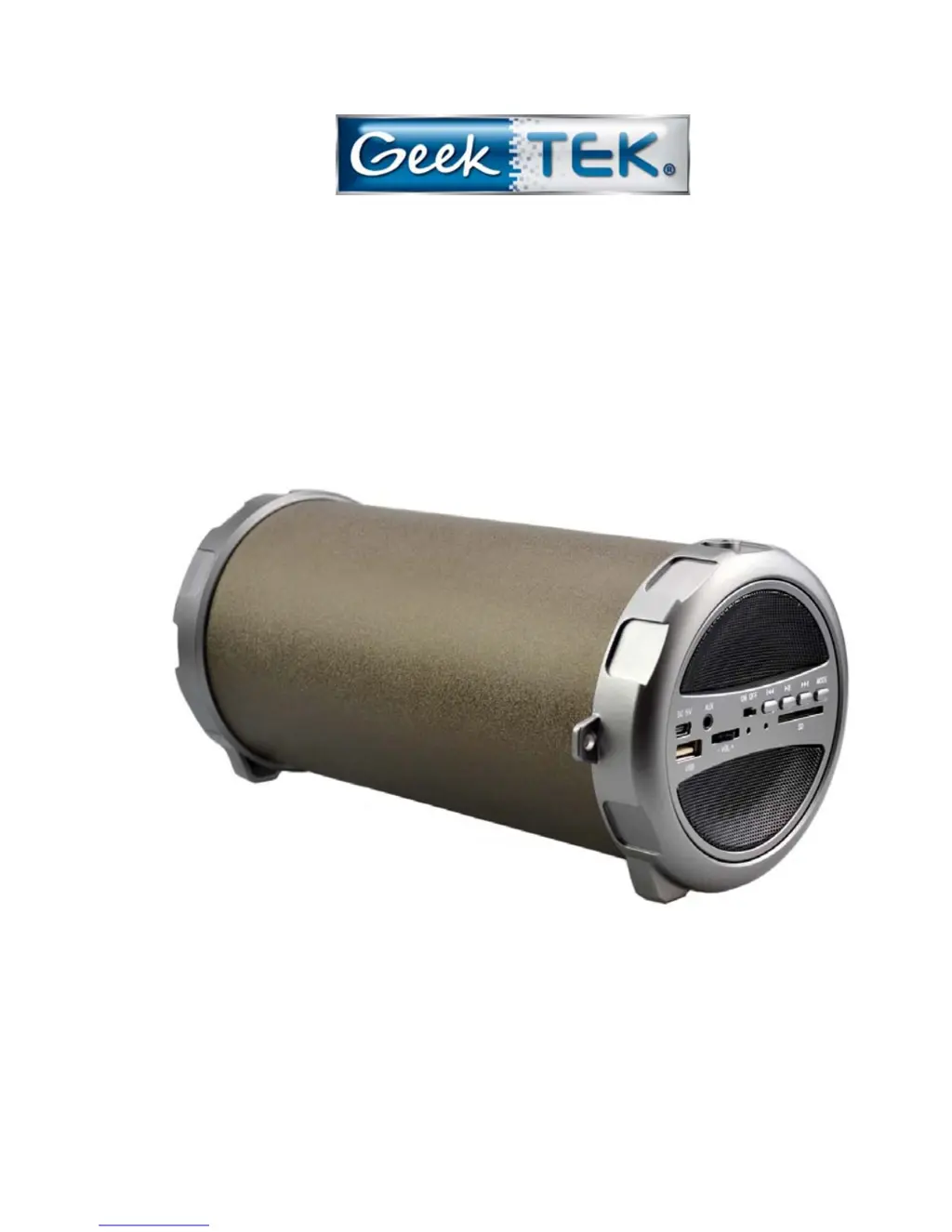
SONIC BOOMBOX PARTY SPEAKER
Wireless Stereo Speaker with Subwoofer
BLUETOOTH® INDOOR & OUTDOOR PARTY SPEAKER
Instruction Manual
Please Read All Instructions Carefully and
Retain For Future Use
1

Questions and Answers

  • B
    Benjamin LawrenceJul 31, 2025
    What to do if my GeekTek Speakers have no sound?
    • T
      Tina MccormickJul 31, 2025
      If your GeekTek Speakers aren't producing any sound, there are several potential causes: * Ensure that the audio source is turned on. * Verify that the speaker itself is powered on. * Check the volume level on the audio source and adjust it if necessary. * Confirm that the music is not paused on either the source device or the speaker; press play to resume playback.
  • B
    Brenda BenitezAug 16, 2025
    How to fix low sound level on GeekTek Speakers?
    • J
      jason00Aug 17, 2025
      If you're experiencing a low sound level with your GeekTek Speakers, here are a couple of things to check: * Make sure the volume on your audio source isn't set too low. If it is, raise the source volume. * If the battery is low, charge the battery.

Summary

Sonic Boombox Party Speaker

Package Contents

Features

Important Safety Information

Description of Controls

Instructions for Use

Charging the Speaker

Details on how to charge the speaker for optimal battery life.

On;Off Controls of Speaker

Instructions on how to turn the speaker on and off.

Bluetooth and Audio Connectivity

Pairing your device via Bluetooth

Step-by-step guide for connecting devices via Bluetooth.

Listening to Music Wirelessly

How to stream music from a paired Bluetooth device.

Aux Function of the Speaker

Instructions for playing music using a 3.5mm auxiliary cord.

Music Playback and Tips

Listening to Music using USB;SD Card Slot

How to play music from USB drives or SD cards.

Tips for Usage

Advice on using the MODE button, power saving, and charging.

Specifications

Technical details of the speaker, including version, output, and battery.

Troubleshooting and Maintenance

Troubleshooting

Common problems and their solutions for sound and connectivity.

Care and Maintenance

Instructions for cleaning and maintaining the speaker.

Compliance and Warranty

FCC Instructions

Information regarding FCC compliance and potential interference.

Limited Warranty

Details on the manufacturer's warranty coverage and duration.

GeekTek sonic boombox Specifications

General IconGeneral
BrandGeekTek
Modelsonic boombox
CategorySpeakers
LanguageEnglish