USING THE PHONE
2-VOLUME AND TONE RECEIVING
ADJUSTMENT
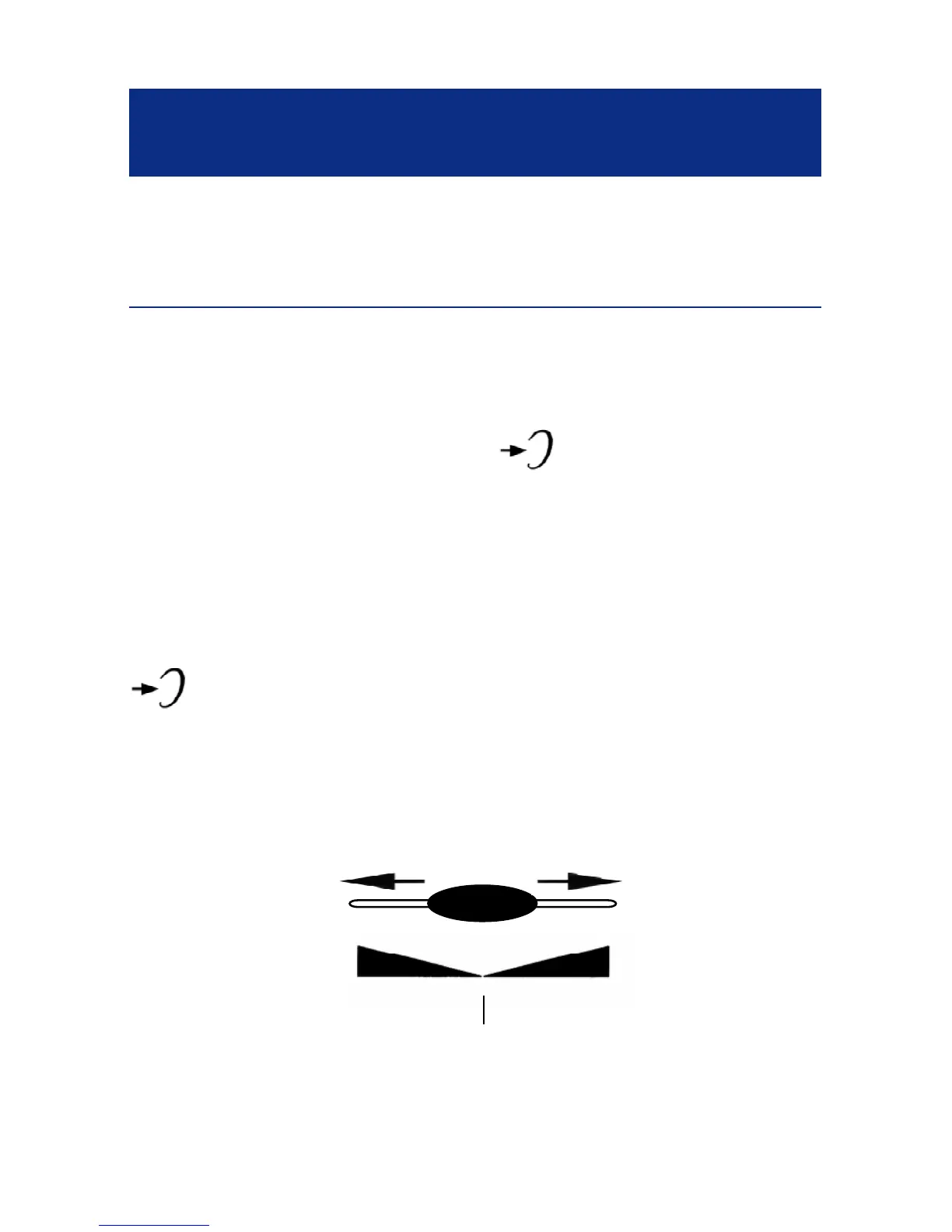
You can increase the volume and adjust the
receiving tone according to your own hearing
requirements.The button (20) allows extra-
receiving and tone functions to be activated or not
during the conversation.
When the function is activated, the red light of extra
receiving and tone function located near the button
Is lit. Adjust the TONE (4) and VOLUME (7)
buttons to remove the level according to your own
hearing requirements.
14
Bass
+10db max
TONE
Treble
+10db max
Normal



 To Next Page